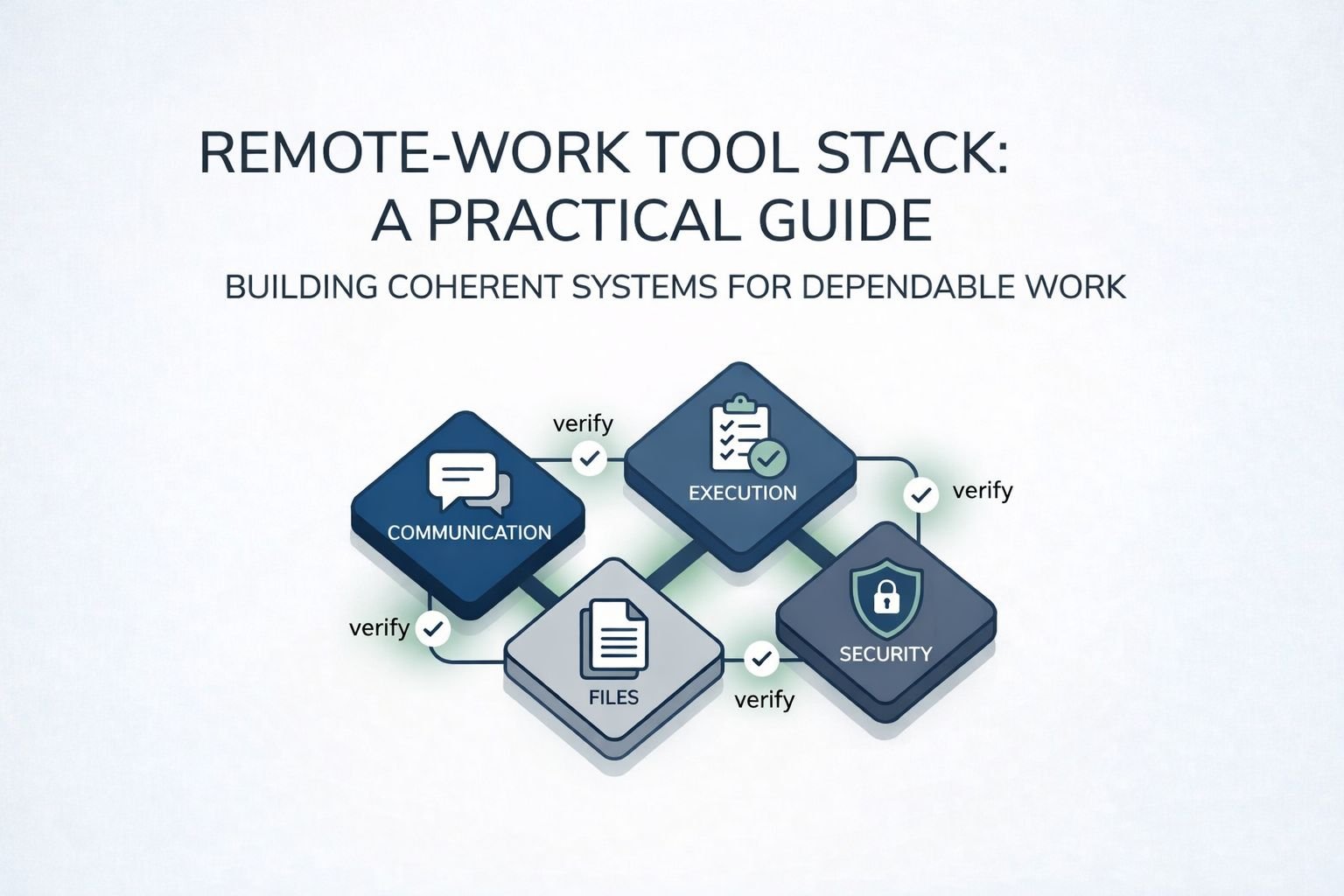
Choosing remote-work tools is less about “best apps” and more about building a dependable system: communication, execution, files, and security—all working together with minimal friction.
Quick take: Pick a small, coherent stack that fits your workflows, supports strong authentication, and reduces coordination overhead. Pilot with real work, then standardize and govern.
Why this decision matters (and what to ignore)
Remote and hybrid work remain common, but the exact mix varies by organization and role. A widely cited IWG study reported that 70% of professionals worked remotely at least one day a week and 53% worked remotely at least half the week in 2018, which is useful context—but you should validate your own baseline before buying tooling. IWG’s reported remote-work frequency findings (via PR Newswire).
Also avoid “productivity hype.” The U.S. Bureau of Labor Statistics notes that productivity and remote work relationships are studied and measured carefully, and results can depend on the industry and how remote work is defined. BLS overview on productivity and remote work.
Step 1: Define your “remote work operating model”
Tool choice is downstream of process. Start by writing three short statements (one paragraph each):
- How work flows: support tickets, project delivery, sales pipeline, content production, incident response.
- How decisions are made: who decides, how approvals happen, where decisions are recorded.
- How people collaborate: async-first vs meeting-first, time zones, handoffs, documentation expectations.
If your team is arguing about tools, it often means you haven’t aligned on these behaviors.
Step 2: Choose the categories (keep it small)
Most teams only need 5–7 categories to run remote work well. The goal is to avoid overlaps that create confusion (“Where does this live?” “Which chat is official?”).
- Team communication: chat channels + async announcements + lightweight feedback loops.
- Meetings: video/voice, calendar, scheduling, recordings (when appropriate), and norms.
- Project and task execution: tasks, owners, due dates, dependencies, basic reporting.
- Docs and files (system of record): one primary place for policies, specs, and working documents.
- Knowledge base: how-to articles, runbooks, onboarding, and FAQs.
- Security and admin: identity, access control, device policy (as needed), audit logs.
Optional categories (add only if you have the need): time tracking, whiteboarding, customer support, developer tooling, design review, compliance archiving.
Step 3: Use a scoring rubric (so this doesn’t become opinion wars)
Score each tool category using the same criteria. For beginner-to-intermediate teams, these are usually the highest-signal decision factors:
| Criterion | What “good” looks like | Red flags | How to verify in a pilot |
|---|---|---|---|
| Workflow fit | Matches how your team actually works (not how it “should” work) | Teams build parallel spreadsheets or shadow systems | Run one real project end-to-end for 2–4 weeks |
| Integration | Works cleanly with your identity provider, email, calendar, and file system | Manual user provisioning, duplicated groups, broken notifications | Test onboarding/offboarding on 3 test users |
| Permission model | Clear roles, least-privilege sharing, safe defaults | Anyone can share externally by default, unclear ownership | Simulate contractor access + removal, check data remains owned |
| Security basics | Strong authentication options, secure sessions, usable admin controls | Weak MFA options only, poor audit visibility, limited admin roles | Confirm MFA/SSO options and exportable audit logs in admin console |
| Adoption & UX | Easy for the majority, accessible on mobile, low training overhead | Power users love it; everyone else avoids it | Measure usage: active users, message/task volume, doc creation |
| Total cost | Predictable pricing, minimal add-ons for essentials | Critical features gated behind multiple upgrades | List “must-have” features, then price the lowest plan that meets them |
Step 4: Set non-negotiables for security (even for small teams)
Remote work expands your “attack surface” because access happens from many networks and devices. As a baseline, choose tools that support strong authentication and secure access patterns aligned with modern guidance.
For authentication depth, you can refer to NIST SP 800-63B (Authentication and Lifecycle Management) when deciding which MFA and session protections your tool stack should support.
For a pragmatic baseline checklist, align your rollout to CISA’s Cross-Sector Cybersecurity Performance Goals and track progress using the CISA CPG checklist.
When not to over-engineer: if you’re a 5–15 person team without regulated data, don’t buy “enterprise governance suites” before you’ve standardized basic identity, file ownership, and access review.
Step 5: Pilot like a practitioner (then standardize)
A pilot should prove the tool works under real conditions: time zones, busy weeks, outages, new hires, and deadlines.
- Pick one representative team: not the most technical and not the least technical.
- Define success metrics: fewer status meetings, faster approvals, fewer lost files, clearer ownership.
- Write 10 “rules of the road”: where announcements go, naming conventions, file ownership, and decision logging.
- Standardize after the pilot: templates, permissions, onboarding checklist, and a short internal training doc.
Teams often find it helpful to standardize presentation and reporting materials as well—using shared slide structures or visually appealing PowerPoint templates can reduce time spent formatting updates and keep project presentations consistent across distributed teams.
For file systems, it helps to avoid “two sources of truth.” If you need to connect ecosystems during a transition, check our guide on syncing Dropbox to Google Drive and set a cutover date.
Implementation checklist (copy/paste)
- Write your operating model: workflows, decisions, collaboration norms.
- Choose one system of record for files and one for tasks.
- Define permissions and ownership (especially for shared drives and project spaces).
- Require MFA and define admin roles (who can create teams, share externally, export logs).
- Run a 2–4 week pilot on a real project; measure outcomes and friction.
- Standardize: templates, naming, onboarding/offboarding, and a “how we work” page.
Decision tree: what should you buy first?
If you lack a single “source of truth” for docs/files:
Start with document storage + permissions + ownership rules

Else if work is falling through the cracks:
Add a task/project system with clear owners and due dates

Else if meetings are constant and decisions are lost:
Standardize async updates + decision logs + meeting norms

Else:
Improve security/admin (MFA, SSO, audit logs) and integrations
Troubleshooting (common failure modes)
- “We have the tools but nothing changed.” You didn’t change norms; publish simple rules (where updates go, what must be documented, response-time expectations).
- “People can’t find files.” You have multiple systems of record; choose one and migrate in phases with clear ownership.
- “Too many notifications.” Reduce channels, fix defaults, and require topic-based channels (not person-based DM workflows).
- “Vendors/contractors are a mess.” Create a contractor access process: least privilege, expiry dates, and a monthly review.
FAQ
Do we need “all-in-one” remote work suites?
Not always. Suites reduce integration work, but best-of-breed can be better if you have clear governance and the time to maintain integrations.
How many tools is too many?
If your team frequently asks “Where does this live?” or maintains duplicate task lists, you likely have overlap. Consolidate the system of record for tasks and files first.
What’s the #1 feature we should require?
Strong authentication support (MFA) plus usable admin controls and audit visibility—because remote work depends on secure access at scale.
Should we optimize for synchronous or asynchronous work?
Default to async for status and routine updates, then use meetings for ambiguity, conflict resolution, brainstorming, and incidents. If meeting load keeps rising, your async system isn’t trusted yet.
How do we keep remote onboarding from being chaotic?
Create a single onboarding hub: tools list, access requests, “how we communicate,” and a 30-day learning plan, then assign a buddy and require written weekly check-ins.
How do we know the tools improved outcomes?
Measure cycle time (idea → done), rework rates, meeting hours, and “time to find the latest doc.” Run the same measures before and after your pilot.

💬 Comments