Security
Get the latest Technology Security Tips. Stay up to that and Stay Safe.
 Updated
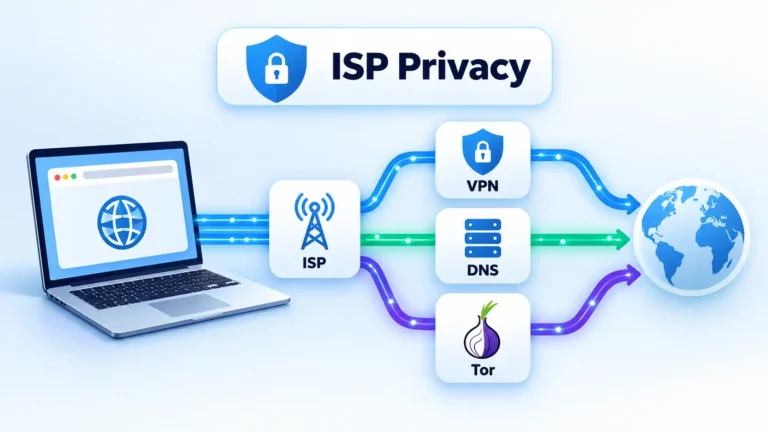
How to Hide Browsing History From Your ISP
Your ISP may still learn useful information about your internet connections even when websites use HTTPS. This guide explains what VPNs, Tor, encrypted DNS, proxies and private browsing actually protect, then shows how to check whether your chosen setup is working.
 Updated
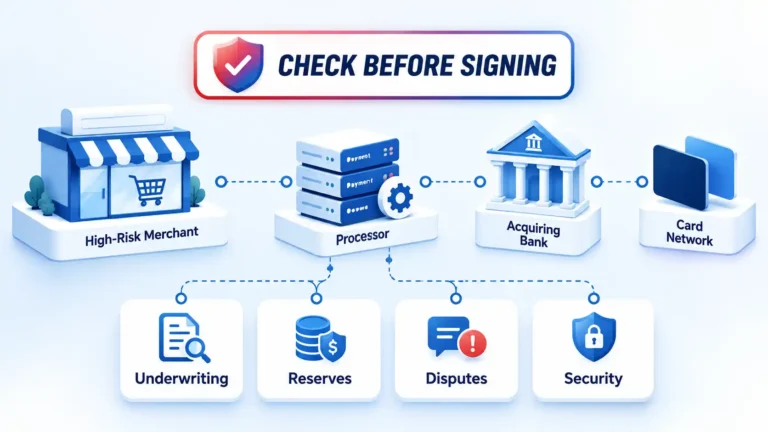
High-Risk Payment Processing: Precautions Before You Sign Up
High-risk payment processing involves more than finding a provider willing to approve your business. Review underwriting fit, reserves, settlement timing, account limits, dispute exposure, payment security, customer policies, and termination terms before you sign.
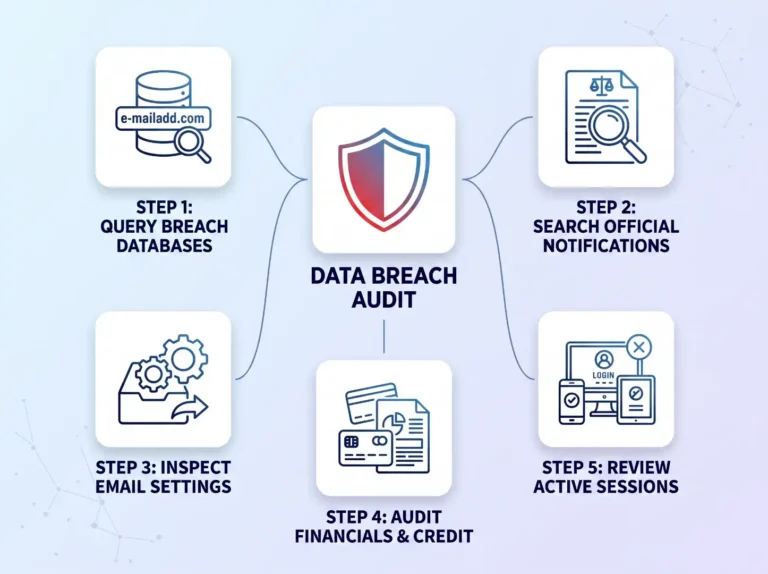
How to Tell If Your Data Has Been Compromised
Discover how to tell if your personal data has been compromised in a breach. This practitioner guide walks you through querying leak databases, auditing credit files, spotting session hijacking, and locking down your online accounts before bad actors strike.
 Updated
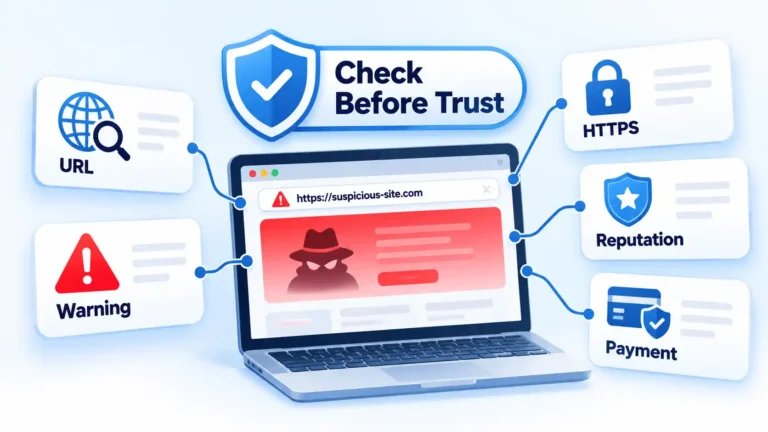
How to Know if a Website Is Safe: 10 Checks That Matter
No single padlock, review score, or website scanner can prove that a site is safe. These 10 checks help you examine the domain, browser warnings, HTTPS connection, reputation, business details, reviews, and payment behavior before deciding whether to continue.
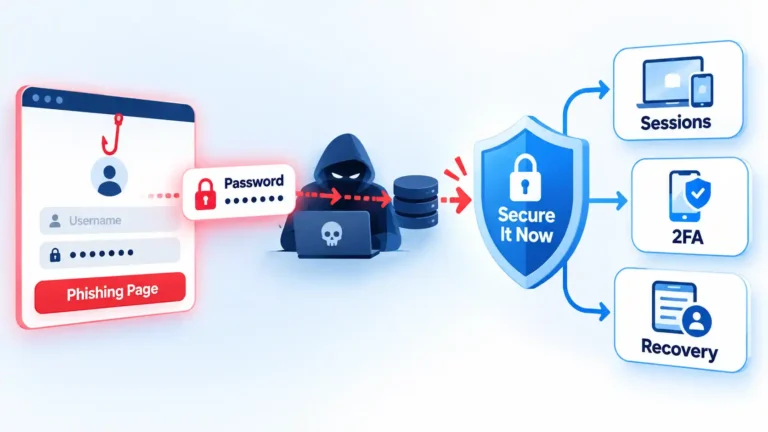
What to Do After Entering Your Password on a Phishing Site
Entering a password on a phishing site does not prove the attacker used your account, but the password should be treated as exposed. Secure the real account, fix password reuse, check sessions and recovery settings, and identify any additional information the phishing page received.
 Updated
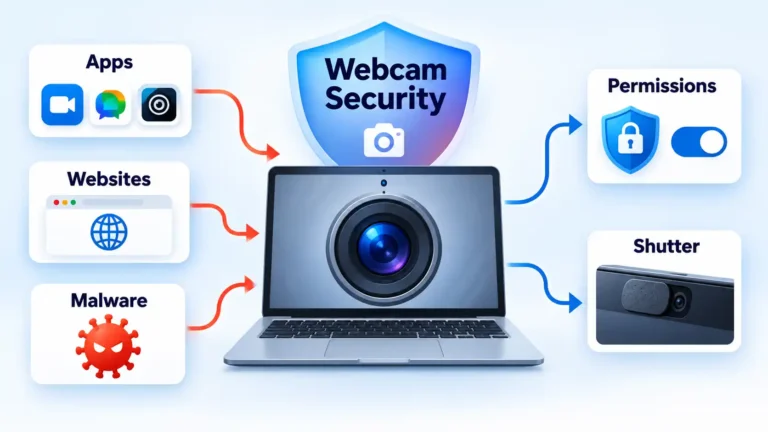
How to Secure Your Webcam on Mac and Windows PCs
Secure your webcam by reviewing Windows and macOS camera permissions, controlling website access, using physical protection safely, and reducing malware risk. The guide also explains how to investigate unexpected webcam activity without assuming every camera light means the device has been hacked.
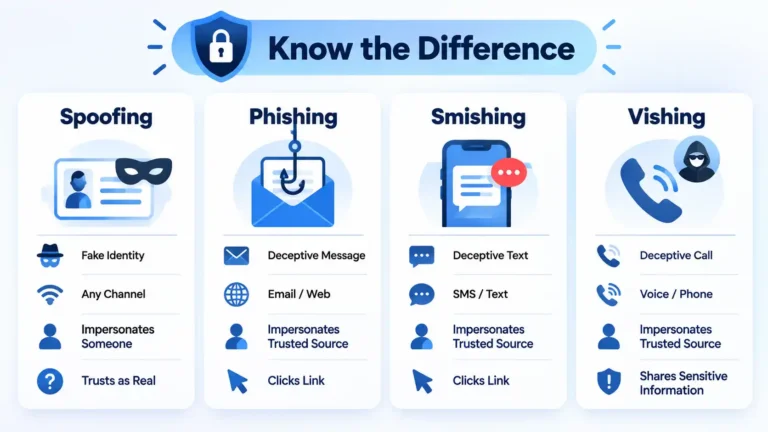
Spoofing vs Phishing vs Smishing vs Vishing: What’s the Difference?
Spoofing falsifies identity, while phishing manipulates someone into taking an unsafe action. Smishing and vishing are phishing variants delivered by text and voice. This comparison explains how all four differ, where they overlap, and how to respond safely.
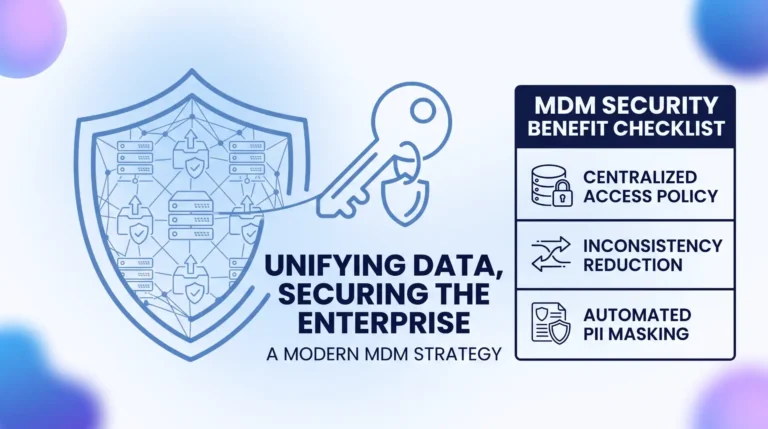
How Master Data Management Improves Data Security: Architecture, Governance, and Control
Master Data Management improves data security by consolidating fragmented enterprise data into a single source of truth. By eliminating unmonitored dark data, enforcing role-based access controls, and providing immutable lineage tracking, MDM empowers organizations to minimize breach risks and simplify compliance.
 Updated
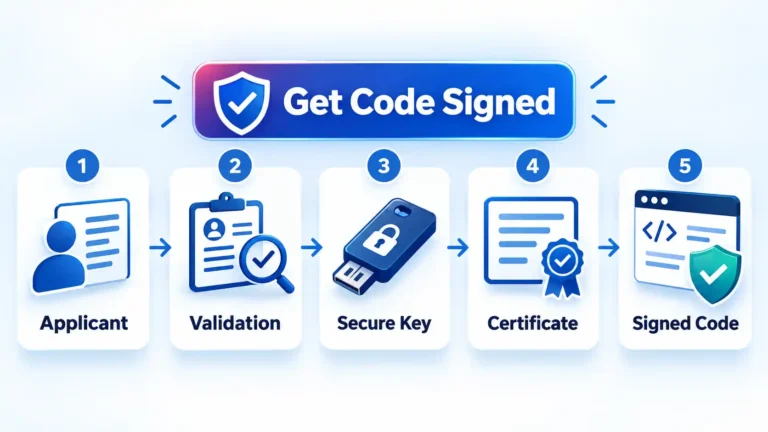
How to Get a Code Signing Certificate: Step-by-Step Process
Getting a code signing certificate now involves more than submitting a CSR and downloading a file. This guide explains certificate selection, hardware-backed private-key provisioning, publisher validation, issuance, timestamping, and the checks to complete before signing production releases.
 Updated
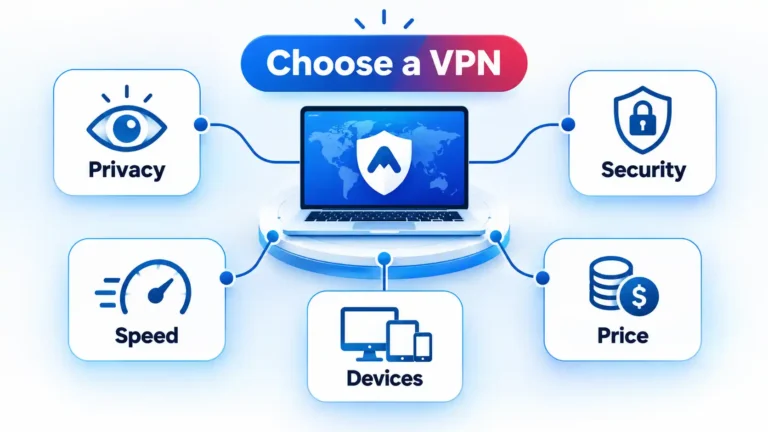
What to Look for in a VPN: 11 Factors That Matter
Choosing a VPN means deciding which provider to trust with an important part of your internet connection. This guide explains 11 practical factors to check, including privacy practices, security controls, performance, server locations, device support, subscription terms, and optional features.
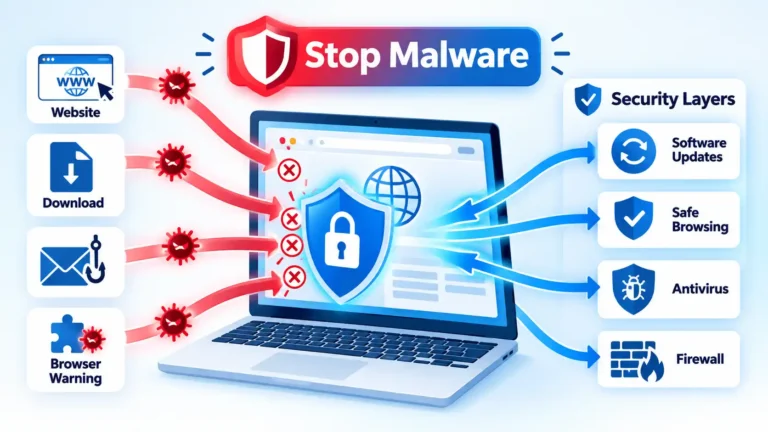
11 Ways to Avoid Malware While Browsing the Internet
Malware risk often begins with a download, fake update, unsafe extension, suspicious link, or outdated app. These 11 practical habits explain how to keep security protections active, verify software sources, handle warnings, and respond when something suspicious may already have happened.
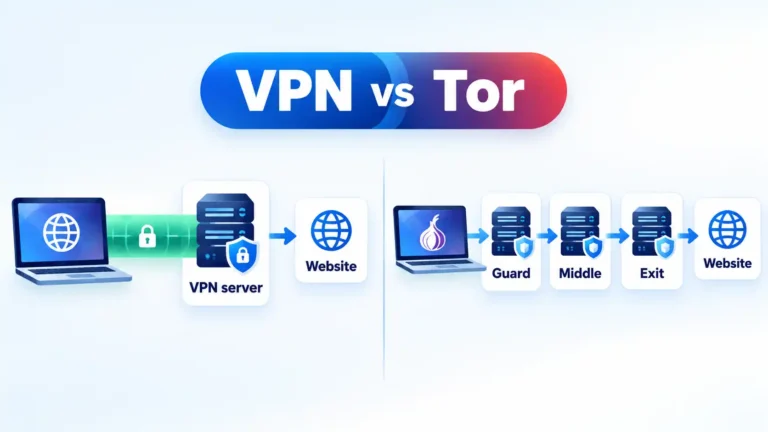
VPN vs Tor: Routing, Privacy and Trust Compared
VPNs and Tor can both replace the public IP address websites see, but they use very different privacy models. This comparison explains routing, trust, browser protections, encryption boundaries, performance, anonymity limits, and when each architecture makes more sense.
 Updated
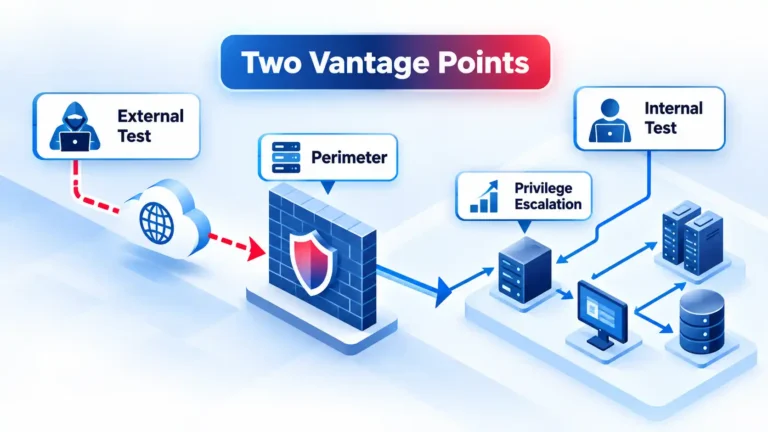
Internal vs External Penetration Testing: Scope, Methods and Differences
External penetration testing examines what an attacker can reach from outside the network, while internal testing starts from an assumed foothold inside. This guide explains their scopes, methods, findings, authorization requirements, and how to determine which perspective answers the security question.
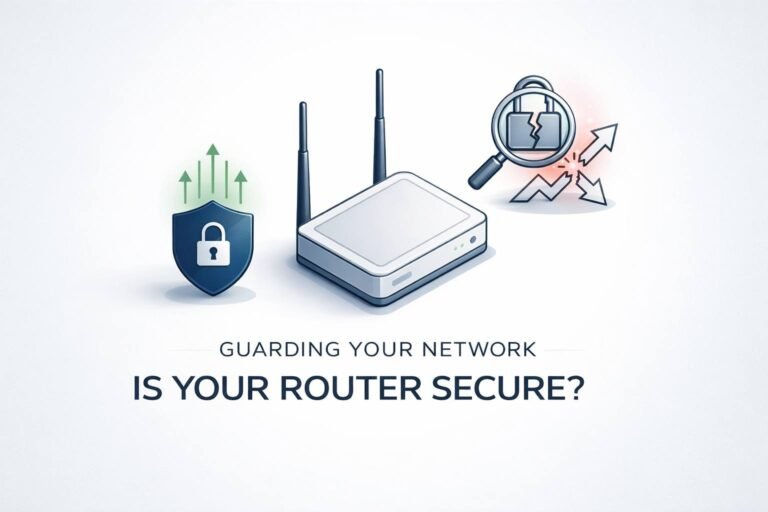
Can a Router Get a Virus? How to Tell, Fix It, and Lock It Down
Your router can be targeted by malware and malicious configuration changes, and the result is often…
 Updated
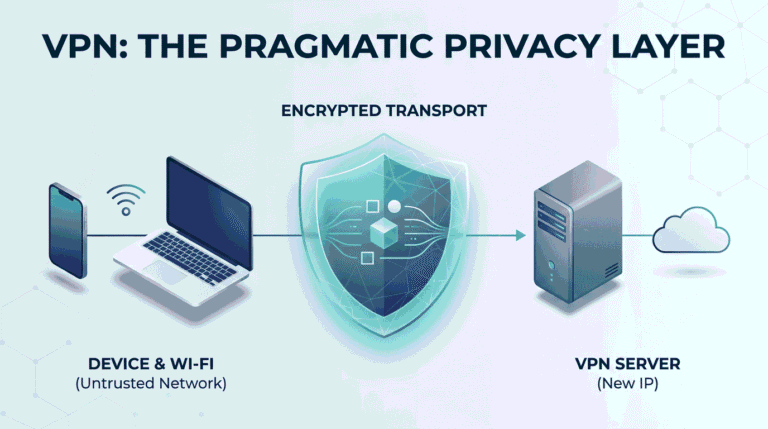
What a VPN Is (and Why You Might Actually Need One)
A VPN creates an encrypted connection between your device and a VPN server, changing the network path and public IP seen by destinations. This guide explains where that protection starts and stops, when a VPN helps, and which security problems it cannot solve.
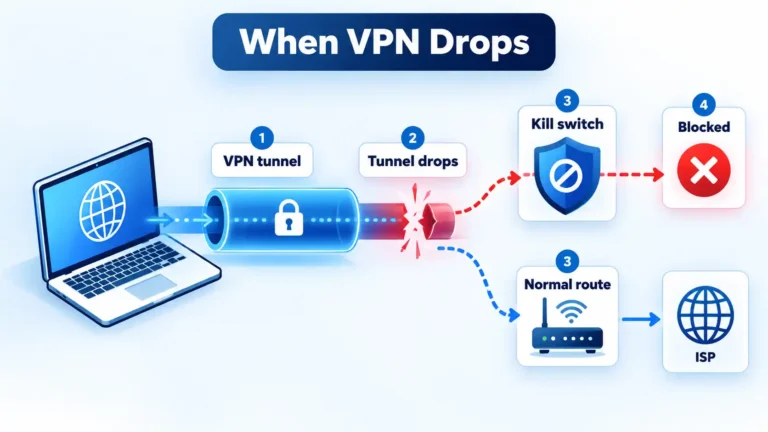
What Happens When a VPN Disconnects? Kill Switches and Traffic Leaks
When a VPN tunnel fails, traffic may either stop or return to the normal network route. This guide explains kill switches, fail-open and fail-closed behavior, split tunneling, DNS and IPv6 leaks, and how to verify protection safely.
 Updated
How to Stop WhatsApp Spam Calls for Good
WhatsApp can silence qualifying unknown calls so they no longer ring while keeping them visible for later review. This guide explains how to enable the feature, when to block or report a caller, and which additional privacy controls address different risks.
 Updated
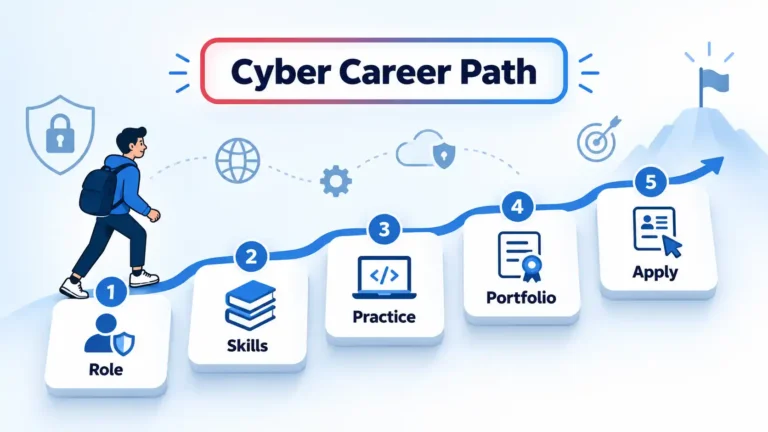
How to Land a Job in Cybersecurity: A Practical Guide
Landing a cybersecurity job starts with choosing the kind of security work you want to do. This guide explains how to build relevant skills, gain authorized practical experience, document your capabilities, target suitable roles, and improve your applications without relying on certificates alone.
 Updated
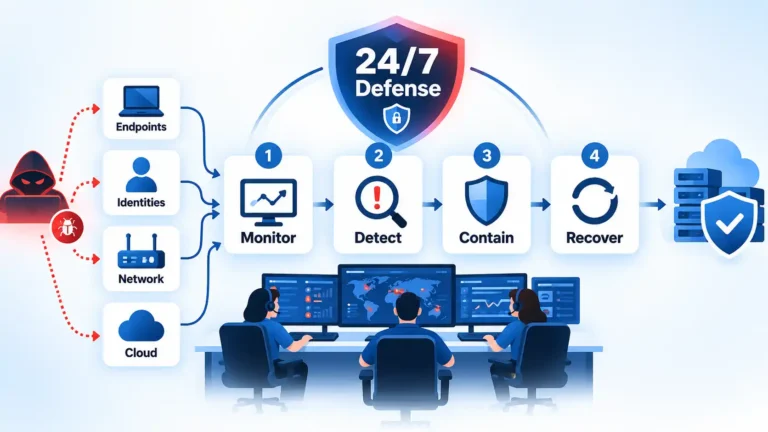
How Cybersecurity Teams Protect Organizations 24/7
Cybersecurity teams protect organizations around the clock through overlapping layers of monitoring, alert triage, incident response, vulnerability management, identity controls, encryption, and continuous improvement. This guide explains how those functions work together and why 24/7 coverage still cannot guarantee complete protection.
 Updated
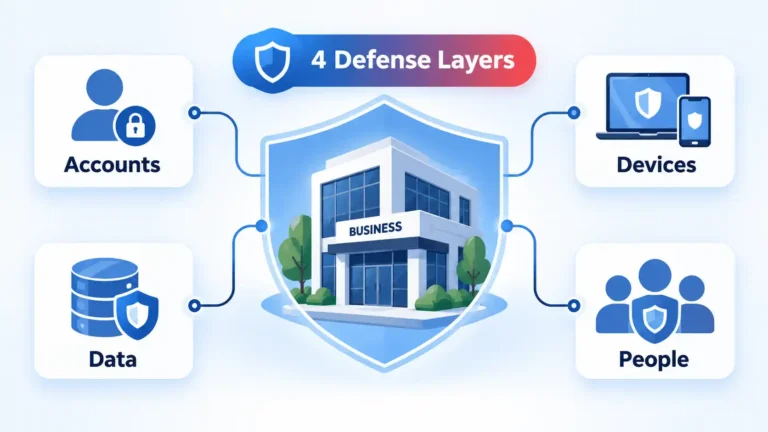
Cybersecurity Attacks: 4 Practical Ways to Protect Your Business
Cybersecurity works best as overlapping protection rather than a single security product. This guide explains four practical layers for securing business accounts and devices, protecting recoverable data, preparing employees for phishing, and responding when preventive controls fail.
 Updated
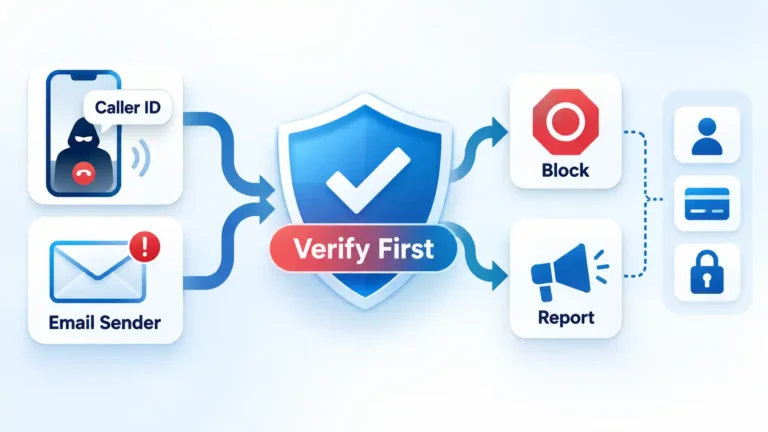
How to Deal With Spoofed Calls and Emails Safely
Spoofed calls and emails can imitate trusted people and organizations. This guide explains how to verify suspicious contact through independent channels, understand caller and email trust signals, reduce unwanted messages, and recover if you already shared credentials, money, or personal information.
 Updated
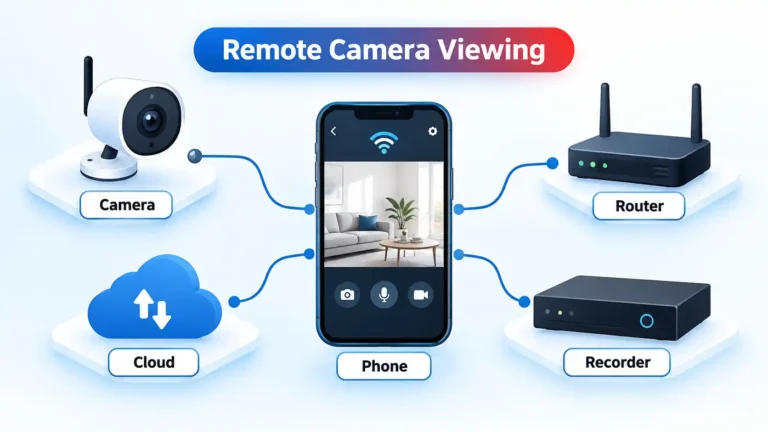
How to Monitor a Hidden Camera From Your Phone
Monitoring a security camera from your phone starts with matching the camera to its supported app or recorder. This guide explains pairing, true remote-view verification, 11 current monitoring ecosystems, account security, recording differences, and practical fixes when the camera will not connect.
 Updated
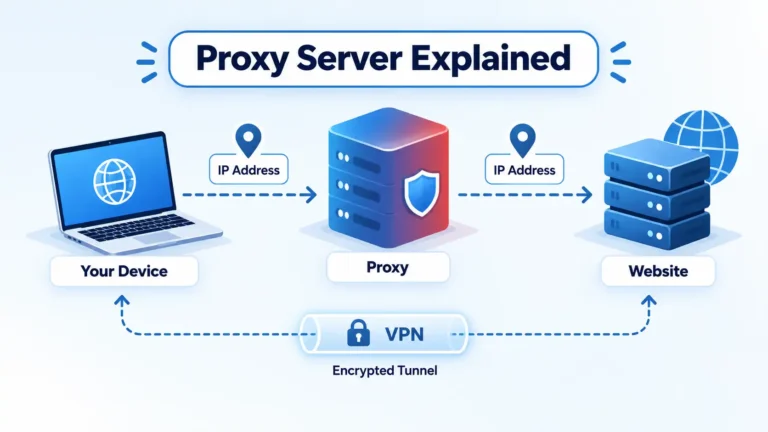
What Is a Proxy Server? How It Works, Types, Benefits, Risks & Proxy vs VPN
A proxy server routes traffic between a client and another server, but it does more than change an IP address. This guide explains how proxies work, common types, legitimate uses, security limitations, proxy configuration, and the practical differences between proxies and VPNs.
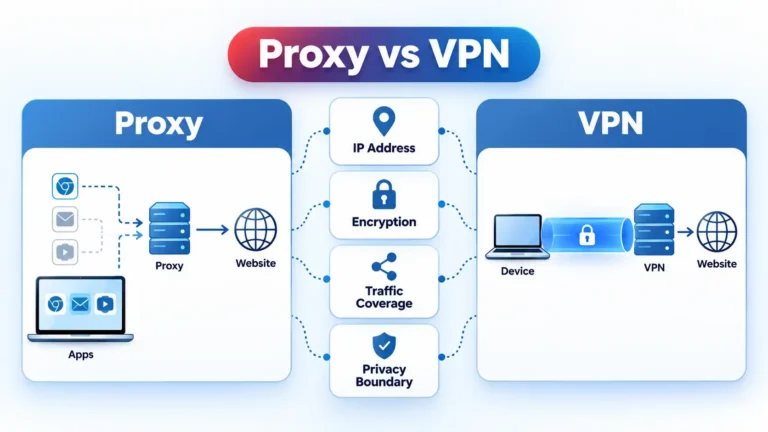
Proxy vs VPN: Which Changes Your IP, Encrypts Traffic and Protects More?
A proxy and VPN can both change the public IP a website sees, but they protect traffic differently. This comparison explains routing, tunnel encryption, HTTPS, DNS, ISP visibility, device coverage, trust boundaries, public Wi-Fi use, and when each tool makes more sense.