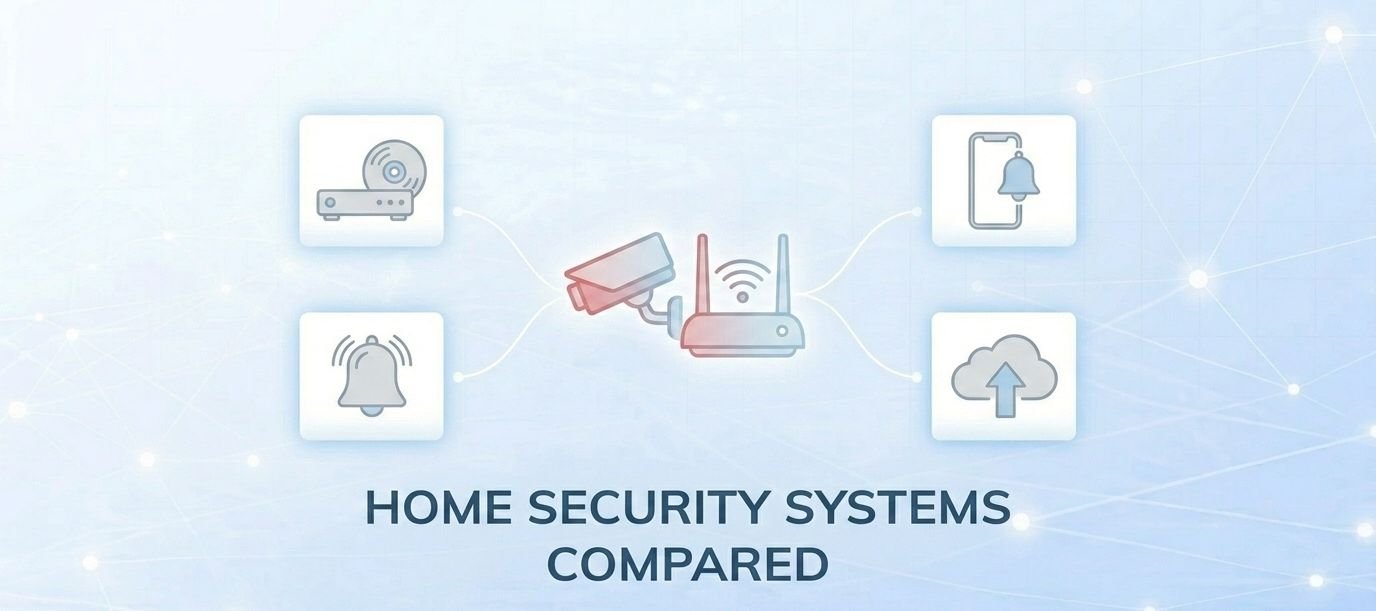
Smart home security systems and conventional ones share the same basic goal — protecting your home — but they approach it in fundamentally different ways. Understanding those differences helps you make a decision based on what you actually need, not just what sounds impressive in a product listing.
What a Conventional Security System Actually Does
A conventional, non-smart security system is built around two core functions: recording and alarming. Cameras connect to a centralized DVR or NVR unit that stores footage locally — meaning if you want to review what happened while you were away, you physically need to be at home or connected to that recorder directly. Some systems pair a siren or alarm panel with a third-party monitoring company, which can dispatch emergency services if a sensor is triggered.
That monitoring service costs money. Professional monitoring typically runs $20 to $80 per month, depending on the provider and plan. For some households, that predictable cost and the simplicity of not depending on Wi-Fi is genuinely appealing. Worth noting: some newer wired systems now offer optional app-based remote viewing, blurring the line slightly — but this is an add-on, not the default, and it still depends on the recorder being online.
The real limitation of a conventional system isn’t the recording — it’s the lag. You’ll know what happened, but you’ll usually find out hours later when you get home, or not at all unless someone is actively watching a monitor. That window is the core problem smart systems are designed to close.
What Makes a Security System “Smart”
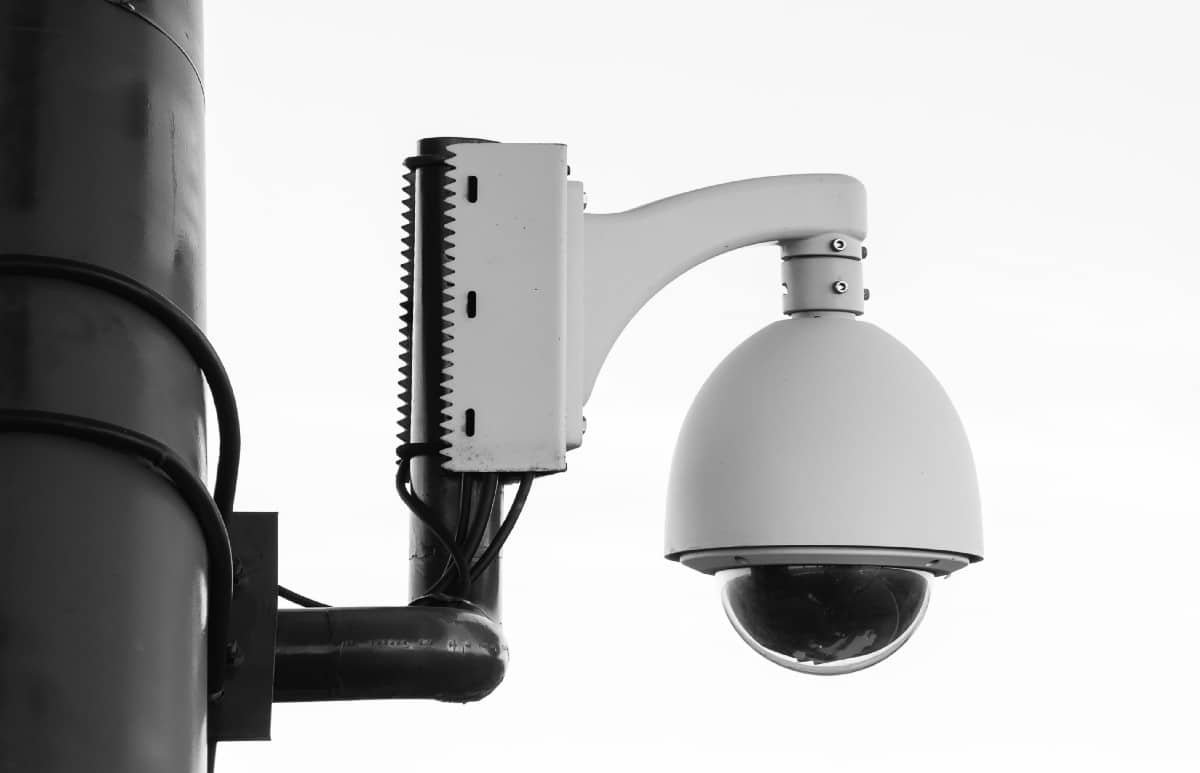
A smart security system connects all of its components — cameras, sensors, locks, doorbells — to a shared network, usually your home Wi-Fi, and gives them internet access. That single change unlocks most of what makes smart security meaningfully different: remote access, real-time push notifications, cloud storage, and integration with other devices in your home.
The practical result: if a camera detects movement while you’re at work, you get a notification on your phone within seconds. You can pull up the live feed, verify what’s happening, and decide whether to call someone — all before anything has escalated. As of 2026, 87% of home security users report that their systems give them peace of mind, and that sense of active awareness — rather than just passive recording — is a large part of why.
Beyond cameras, a smart system typically includes video doorbells, smart locks with app-based and keypad access, motion-activated lighting, smoke and CO detectors that push alerts to your phone, and water sensors. These aren’t separate products — they’re designed to work together in a single app or dashboard, giving you a unified view of your home’s status regardless of where you are.
The Features That Actually Matter in 2026
The gap between conventional and smart systems has widened considerably in recent years, driven primarily by AI. Modern smart cameras no longer just detect motion — they classify it. A 2026-era system from Ring, Nest, or Eufy can distinguish between a person, a vehicle, a package delivery, and a passing animal, and route alerts accordingly. This matters more than it sounds: motion-only systems are notorious for false alarms, and alert fatigue is one of the main reasons people disable notifications altogether.
AI-enabled features are gaining fast adoption. According to SafeHome.org’s 2026 Home Security Market Report — a nationally representative survey of 2,435 U.S. adults — 28% of security system users already have AI person or package detection, and 39% say they want facial recognition capabilities. These features, once found only on commercial-grade systems, are now standard on mid-range consumer hardware.
Here’s how the two approaches compare across the dimensions most buyers actually care about:
| Feature | Conventional System | Smart System |
|---|---|---|
| Footage storage | Local DVR/NVR (on-site only) | Cloud (subscription required) or local, or hybrid |
| Remote access | Usually none; some models offer optional app | Full remote access via app — live feed + recordings |
| Real-time alerts | No (alarm sounds locally) | Yes — push notifications to phone within seconds |
| AI detection | No | Yes — person, vehicle, package, animal classification |
| Smart locks / access control | No | Yes — app-based, keypad, temporary codes |
| Integration with other devices | Minimal | Broad — voice assistants, thermostats, lighting |
| Professional monitoring | Available ($20–$80/month) | Available ($20–$50/month); self-monitoring also common |
| Upfront cost (typical) | $130–$500 for DIY; $500–$2,000+ professionally installed | $600–$700+ for a complete system; varies widely by brand |
| Installation | Often professional | Increasingly DIY — 49% of users self-install in 2026 |
| Network dependency | None | Requires internet; premium systems add cellular backup |
Where Smart Systems Fall Short
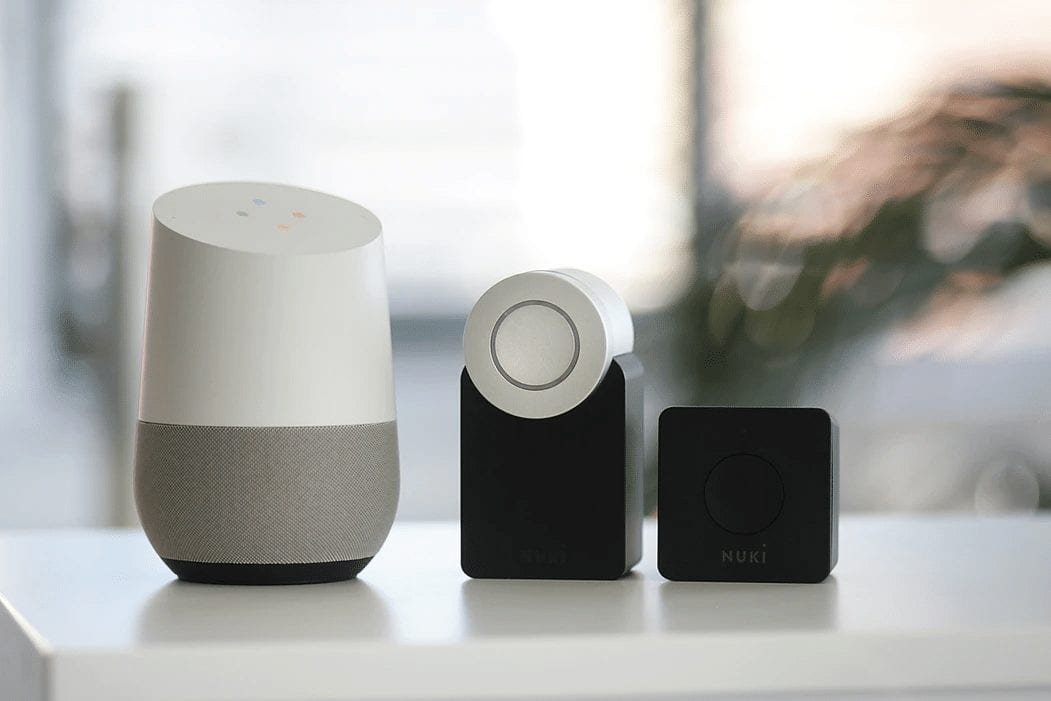
Smart security is genuinely better for most people in most situations — but it has real failure points worth knowing before you buy.
The most significant is internet dependency. If your home Wi-Fi goes down, a system that relies solely on Wi-Fi goes dark too. More seriously, consumer-grade WiFi-only security devices are vulnerable to signal jamming — an attacker with inexpensive jamming hardware can block the 2.4GHz and 5GHz bands, preventing cameras from sending alerts even if they detect motion. Security researchers have demonstrated this on real consumer systems including SimpliSafe. This isn’t a theoretical risk, though it requires deliberate effort from a technically aware intruder — casual opportunists are far less likely to attempt it. The practical mitigation is choosing a system with cellular backup (which bypasses Wi-Fi entirely) or one that uses supervised RF communication protocols that actively alarm when jamming is detected.
Cloud storage is another area where the marketing often outruns the reality. Many popular platforms — Ring, Blink, Nest — require an active paid subscription to retain recorded video. Without it, your camera detects motion, but the footage is not saved. If you’re not paying for a plan, you may have a false sense of security. As of 2026, 32% of camera users rely on cloud-only storage, and 6% canceled or downgraded their subscription in the past year — meaning a meaningful number of households have cameras that can no longer record incidents. If you want recordings without a subscription, look for systems that support local SD card storage or NVR recording as a built-in option.
Privacy is a third consideration that is growing, not shrinking. The same footage that reassures you is footage that could be accessed by the platform, shared with law enforcement, or in some cases exposed in a breach. 37% of security system users in 2026 say they worry about who has access to their footage. That concern is reasonable, and it should be part of your buying decision — not an afterthought.
How to Decide What’s Right for Your Home
Smart security is the better choice for the majority of homeowners and renters — but “better” depends on which problems you’re actually trying to solve. Here’s a practical framework:
Go smart if: You want to know what’s happening at home in real time. You travel frequently, work away from home during the day, or have package delivery concerns. You want a system that scales — you can add cameras, sensors, and smart locks over time without replacing what you’ve already installed.
Stick with conventional (or go hybrid) if: You live in an area with unreliable internet, and cellular backup is not in your budget. You are strongly privacy-averse and don’t want footage stored off-site. You need a system that keeps working when the power and internet go down simultaneously — a well-designed wired system with local recording will still capture footage even in those conditions.
For most people making this decision in 2026, the answer is a smart system with at least one of these safeguards in place: cellular backup on the alarm, local storage as a fallback for cameras, or both. The top-rated systems available today offer all three as standard or optional features without significantly inflating the price. If you’re budget-constrained, a mid-tier DIY smart system with local storage and no mandatory subscription — brands like Eufy and Reolink offer this — gives you most of the benefit with fewer of the ongoing costs.
Key Takeaways
- Smart systems beat conventional ones on real-time awareness: you’re notified within seconds, not after the fact.
- AI detection — now standard on most mid-range smart cameras — reduces false alarms significantly by classifying motion, not just detecting it.
- WiFi-only systems have a real jamming vulnerability. Prioritize systems with cellular backup or supervised RF protocols if this is a concern.
- Cloud storage requires an active subscription on most major platforms. If your subscription lapses, your camera still detects but no longer records. Local storage solves this.
- Smart security costs more upfront — typically $600–$700+ for a full system — but modern DIY systems reduce installation costs and subscription-free options are available.
Frequently Asked Questions
Can a smart security system work without the internet?
Basic local recording can continue on some systems — cameras with SD cards or NVR units will keep recording even if your internet drops. But remote access, push notifications, and cloud storage all require an active connection. Premium systems with cellular backup can maintain alarm monitoring even when your home broadband is down, which is worth paying for if your Wi-Fi is unreliable or you’re concerned about deliberate jamming.
Do I need professional installation for a smart system?
Not necessarily. As of 2026, 49% of alarm system users install their systems themselves, and most DIY-oriented brands (Ring, SimpliSafe, Eufy) are specifically designed to be self-installed without specialist tools. Professional installation is worth considering for larger properties, complex wiring, or systems that integrate deeply with existing home automation infrastructure.
Is a smart security system easy for burglars to hack or disable?
Consumer-grade WiFi-only systems can be disrupted by signal jammers — an attacker doesn’t need to hack your network, just flood the 2.4GHz and 5GHz bands. Well-designed systems counter this with cellular backup, local recording, and supervised RF protocols that actively alert when jamming is detected. No system is impenetrable, but the jamming risk is mitigated in systems specifically engineered to handle it.
What happens to my recordings if I cancel my monitoring subscription?
On platforms like Ring, Blink, and Nest, canceling your plan means recorded clips are no longer saved — you keep live-view access, but video is not stored after motion events. Some systems (Eufy, Reolink) record to local SD card or NVR without a subscription, which avoids this problem entirely. Check your specific system’s storage model before assuming recordings are being kept.
Is smart security worth it for renters?
Increasingly yes. Renter adoption of security cameras jumped 12 percentage points in a single year, largely because wireless, battery-powered systems can be installed without drilling or landlord permission and taken with you when you move. Video doorbells and indoor cameras are particularly popular in this segment. Smart locks require more consideration — verify your lease terms before installing any device on a door or frame.
Does smart home security lower my home insurance premium?
Many home insurance providers offer discounts for monitored security systems — the discount varies by insurer, system type, and whether the system includes professional monitoring. Contact your insurance provider directly for specifics; savings can range from 5% to 20% on your home security coverage component, though this depends entirely on your policy and provider. Do not assume a discount applies without confirming it.
What’s the difference between self-monitoring and professional monitoring?
With self-monitoring, you receive the alerts directly and decide how to respond — call the police, check the camera, ignore it. With professional monitoring, a staffed monitoring center receives the alert on your behalf and can dispatch emergency services if you don’t respond within a set window. Professional monitoring adds cost ($20–$50/month for most smart systems) but provides a safety net for situations where you can’t respond to your phone.

💬 Comments