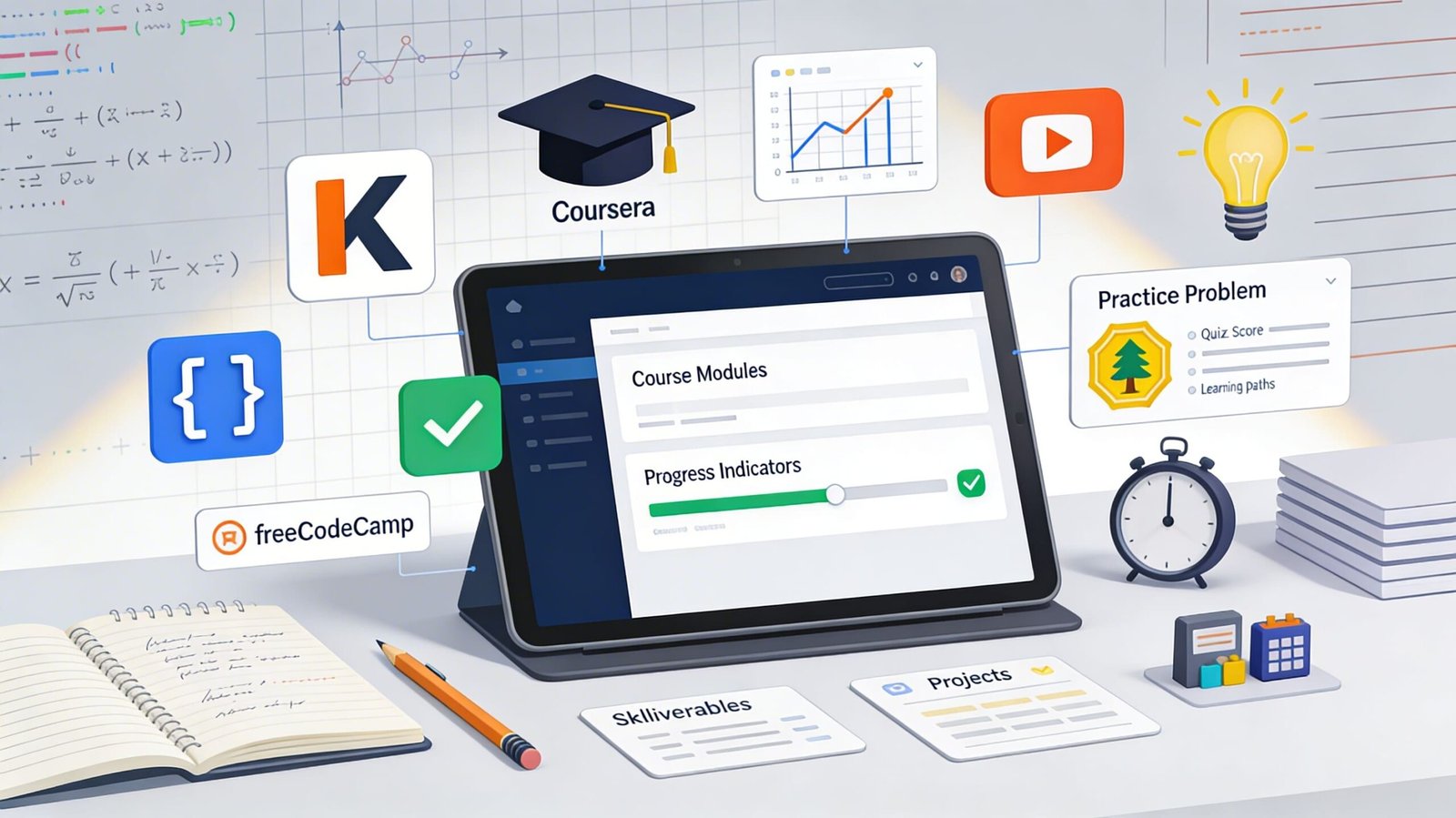
If you’re a student, the internet can either shorten your study time—or quietly destroy it. The difference lies in choosing platforms with strong content-quality signals and using them through a simple workflow.
Start here (2-minute setup)
Before you open any “learning” site, decide:
- What’s the goal? (Understand a topic, practice problems, finish an assignment, or learn a new skill.)
- What’s the deliverable? (Notes page, solved problem set, quiz score, or a small project.)
- How will you know you’re done? (Example: “I can solve 10 problems without hints.”)
1) Khan Academy (best for fundamentals + practice)
Khan Academy is a free learning platform with lessons and practice across K–12 and early college subjects, built around learning-by-doing (practice at your pace, fill gaps, then accelerate).
It also offers optional AI-powered support (Khanmigo) for guided help, which can be useful when you’re stuck—but you should still force yourself to attempt the problem first.
Use it when: you need structured practice, not just explanations.
Don’t use it when: you only need a quick definition—opening a full lesson can be slower than a targeted reference.
2) Coursera (best for structured courses + credentials)
Coursera is strong when you want a full course designed by a university/industry partner, especially for career skills.
If cost is a barrier, Coursera offers financial aid through an application process; approved learners can receive a fee waiver to access course content and complete the required coursework to earn a certificate.
Use it when: you want a start-to-finish learning path (and sometimes a certificate).
Don’t use it when: you need immediate homework help tonight—courses are longer and easier to abandon without a schedule.
3) YouTube (best for “I need it explained differently”)
YouTube is unmatched for alternative explanations and worked examples, but quality varies wildly because it’s open publishing.
Your job is to build a “safe playlist”: 2–3 channels per subject, one topic per video session, and a hard stop when you’ve got what you came for.
Use it when: your teacher/textbook explanation didn’t click.
Don’t use it when: you’re easily distracted—YouTube is a learning tool and a temptation engine in the same tab.
4) Better Explained (best for math intuition)
Better Explained focuses on making math ideas click using intuition-first explanations (great when you can do steps but don’t understand the meaning).
It’s especially helpful for topics like exponents/logs, calculus intuition, and complex numbers—areas where students often memorize procedures without understanding.
Use it when: you keep thinking “but why?”
Don’t use it when: you only need extra drills—pair it with practice elsewhere.
5) Wolfram|Alpha (best for checking answers + exploring steps)
Wolfram|Alpha is a computational knowledge engine: it computes answers from curated, structured data rather than returning a list of web pages.
That makes it useful for validating results, exploring graphs, unit conversions, and sanity-checking complex math—if you treat it as a verifier, not a replacement for learning.
Use it when: you want to confirm you’re on the right track or spot where your algebra went off the rails.
Don’t use it when: you haven’t tried the problem yet (you’ll steal your own learning opportunity).
6) freeCodeCamp (best for learning practical coding by building)
freeCodeCamp is a donor-supported 501(c)(3) charity with a free, self-paced curriculum and lots of hands-on coding challenges/projects.
If you’re a student who wants employable skills, this is one of the most straightforward “do the work, build the portfolio” paths.
Use it when: you learn best by building projects, not watching tutorials.
Don’t use it when: your immediate goal is passing a specific exam that requires a fixed syllabus—use course-aligned resources first.
A practical workflow (what students actually do)
- Learn the concept (Khan Academy or a Coursera module).
- Get an alternative explanation if needed (YouTube or Better Explained).
- Practice until it’s boring (Khan Academy practice / your worksheet).
- Verify + diagnose mistakes (Wolfram|Alpha for math; your own test cases for coding).
- Build one small output (a one-page summary, a solved set, or a tiny project on freeCodeCamp).
- Canvas Network is another online platform that offers short skill-development courses to help students improve their professional skills. It only requires a sign-up to access all the courses, and they are free to join.
Advanced notes (useful, but don’t overdo it)
- AI help is best for feedback, not first attempts—ask for hints, not final answers.
- Certificates only matter if you can demonstrate the skill (projects, notes, or a portfolio beat badges).
Trade-offs
- Coursera structure + potential credential vs. time commitment and course drop-off risk; financial aid can reduce cost but still requires follow-through.
- YouTube breadth vs. inconsistent quality and distraction risk (you must curate).
- Wolfram|Alpha speed vs. “false mastery” if you skip the attempt phase.
Pitfalls
- Passive learning loops (watching 10 videos, doing 0 problems).
- Tool-hopping (collecting resources instead of doing reps).
- Using AI/tutors to finish homework fast and then failing exams because nothing stuck.
Expert notes
- If you can’t explain a concept in 5–7 sentences from memory, you don’t own it yet—go back to practice and error analysis.
- The best study stack is usually “one structured source + one alternate explainer + one verifier,” not 12 bookmarks.

💬 Comments