The best apps for group chats are WhatsApp, Discord, Google Chat, GroupMe, Telegram, and Signal. Choosing the right platform depends on your group size, needed features, and privacy preferences.
Quick Take: Top Group Chat Apps at a Glance
Different messaging platforms serve different social and communication needs. Here is a fast comparison to help you find the right app for your group.
| App Name | Best For | Member Limit | Security Model |
|---|---|---|---|
| Everyday family and friends | 1,024 members | Encrypted by default | |
| Discord | Gamers and large communities | 10 (DMs) / 500,000 (Servers) | Cloud stored |
| Google Chat | Work and school projects | 500,000 (Spaces) | Cloud stored |
| GroupMe | School clubs and event planning | 5,000 members | Cloud stored |
| Telegram | Public groups and broad channels | 200,000 members | Cloud stored |
| Signal | Private and secure group chats | 1,000 members | Encrypted by default |
How We Evaluated These Group Chat Apps
Selecting the best messaging app requires testing real usability. We focused on simple setup, reliable messaging, and total user capacity. We also checked privacy controls, voice options, and file sharing limits. This ensures every pick works well for everyday communication.
The 6 Best Apps for Group Chats
1. WhatsApp: Best for Everyday Family & Friend Groups
WhatsApp is one of the most popular chat tools in the world. It works on phones, tablets, and desktop computers. It connects directly to your mobile phone number. This makes finding friends and family simple.
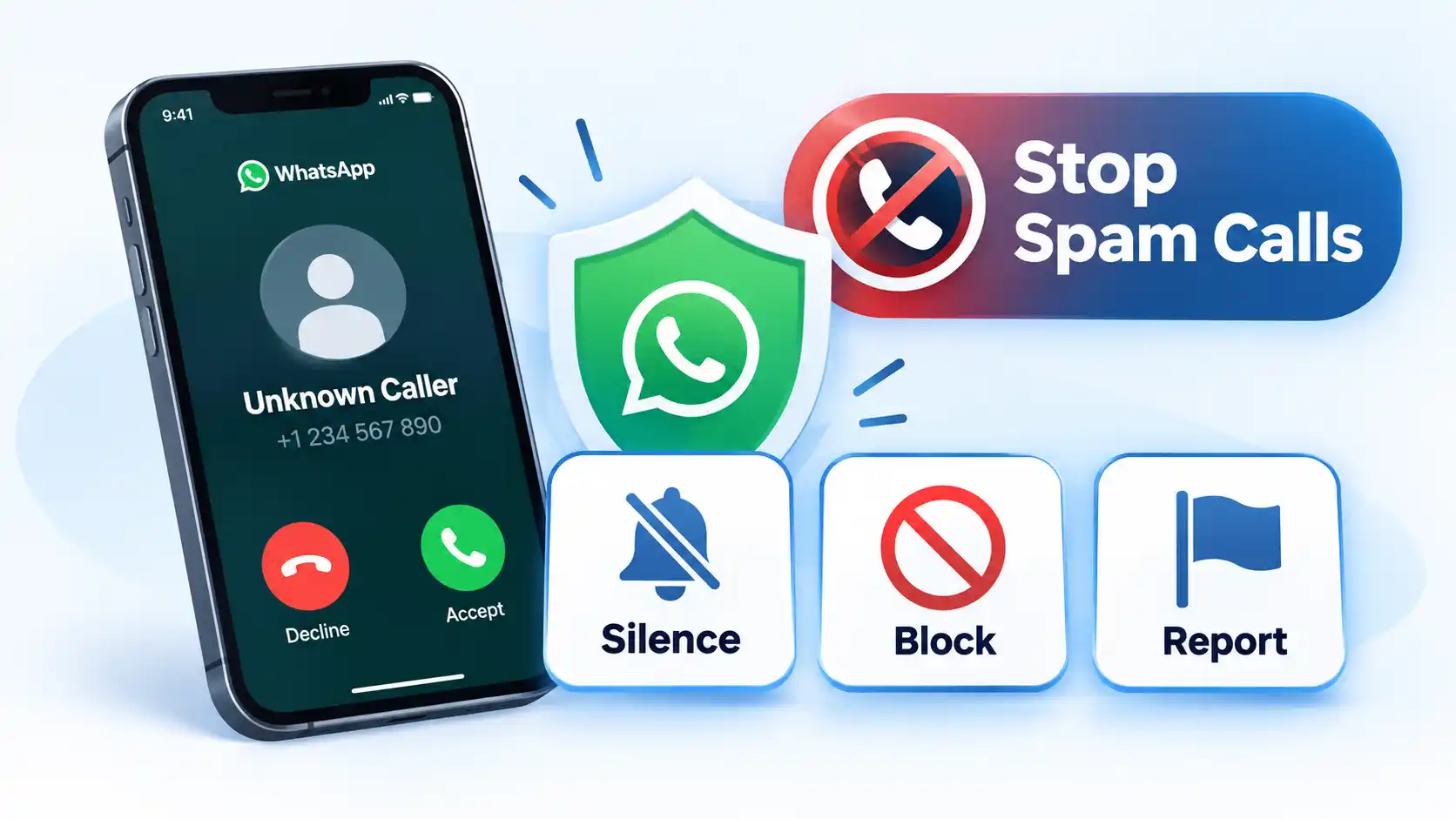
You can create a group with up to 1,024 people in a single room. You can learn how to create a WhatsApp group in just a few quick taps. The app supports text messaging, voice notes, photo sharing, and group video calls. It also includes native group polls and self-deleting messages. Every chat uses end-to-end encryption by default. This means no outside party can read your messages. You can also adjust your WhatsApp privacy settings to block unwanted callers.
2. Discord: Best for Large Communities & Gamer Hangouts
Discord organizes conversations using channels instead of basic chat threads. It is ideal for gaming teams, hobby clubs, and large online communities. You can organize chats by topic within dedicated text and voice channels.
For quick chats, Discord offers Group Direct Messages that support up to 10 people. For bigger communities, you can launch a full server that holds up to 500,000 members. According to official Discord group limits documentation, group calls let you share video and stream your screen in real time. Discord also offers an optional paid plan called Nitro Basic starting at $2.99 per month. You can follow a tutorial on how to set up a Discord server to customize member roles and moderation rules.
3. Google Chat: Best for Workspace Projects & Team Coordination
Google Chat integrates smoothly with Google Workspace tools like Docs, Sheets, and Drive. It is an excellent choice for work teams, student study groups, and project managers. You can launch Google Chat directly inside Gmail or use it as a standalone app.
Google Chat features dedicated discussion hubs called Spaces. A detailed Google Chat workflow guide explains how users can organize threads, assign task items, and share shared Drive files easily. You can also start video calls instantly using Google Meet integration. It is a solid choice if your group already relies on Google Workspace productivity tools to manage schedules and documents.
4. GroupMe: Best for Campus Clubs, Sports Teams & Event Planning
GroupMe is designed specifically for organizing group communication. It is widely used by college groups, local sports teams, and neighborhood associations. Members can join through an app or participate via standard SMS text messages.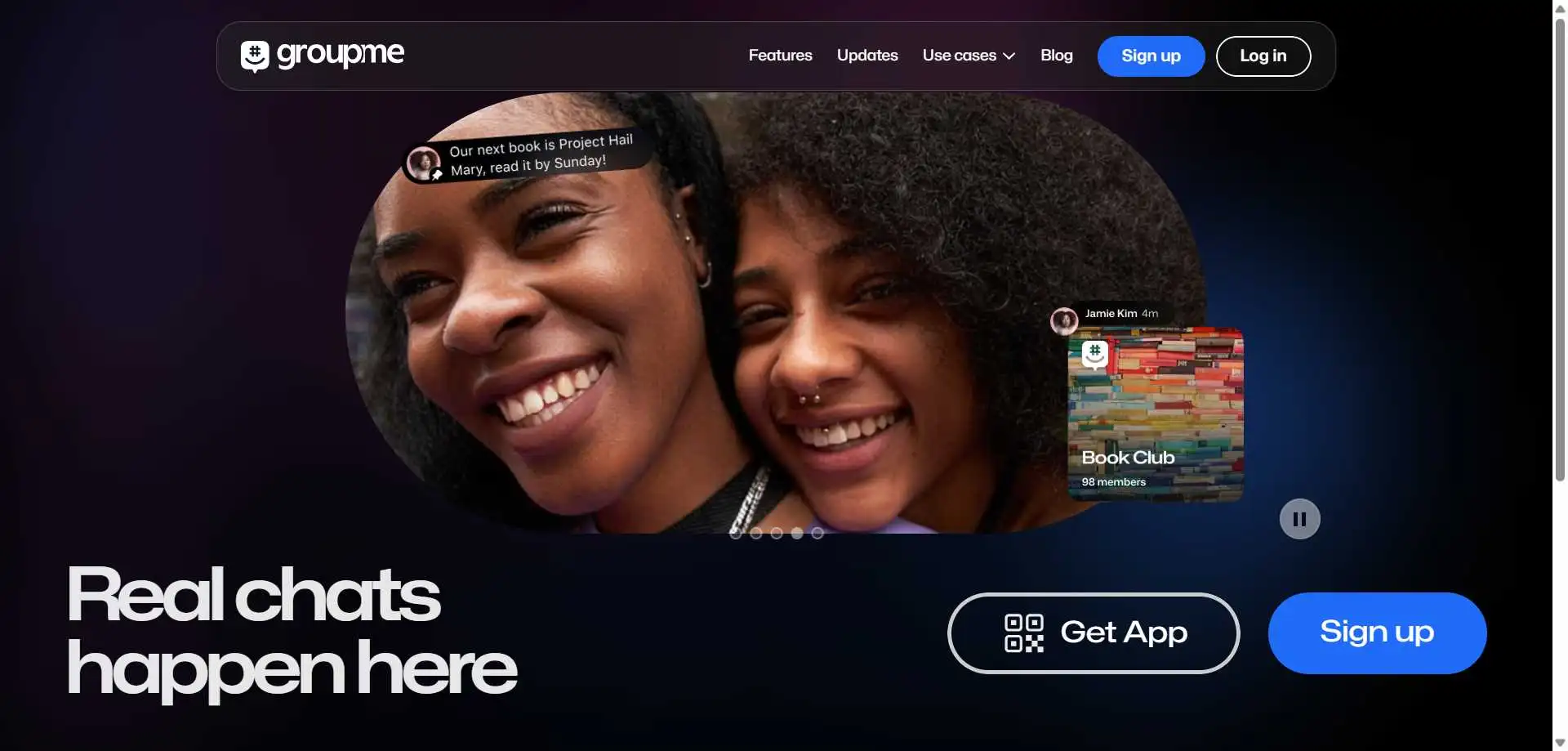
A single GroupMe chat room supports up to 5,000 participants. Official details from Microsoft GroupMe support show that the app includes built-in event creation, calendar reminders, and group polling. You can like specific messages, share photos, and send custom animated GIFs. It is a reliable choice for groups that need clear organization without complicated setup steps.
5. Telegram: Best for Large Public Communities & Broadcasts
Telegram is built for high-speed messaging and massive online audiences. It uses cloud storage to keep your message history synchronized across all your personal devices seamlessly. You can search chat histories quickly and share large files up to 2 gigabytes each.
Standard group chats on Telegram hold up to 200,000 members. A breakdown of Telegram group limits and features shows that admins can use custom moderation bots, pinned announcements, and topic channels. Large channel owners often look for strategies to buy Telegram members to grow their reach faster. If you want to learn how to manage large online communities, Telegram offers robust controls for chat permissions and spam filtering.
6. Signal: Best for Maximum Privacy & Secure Messaging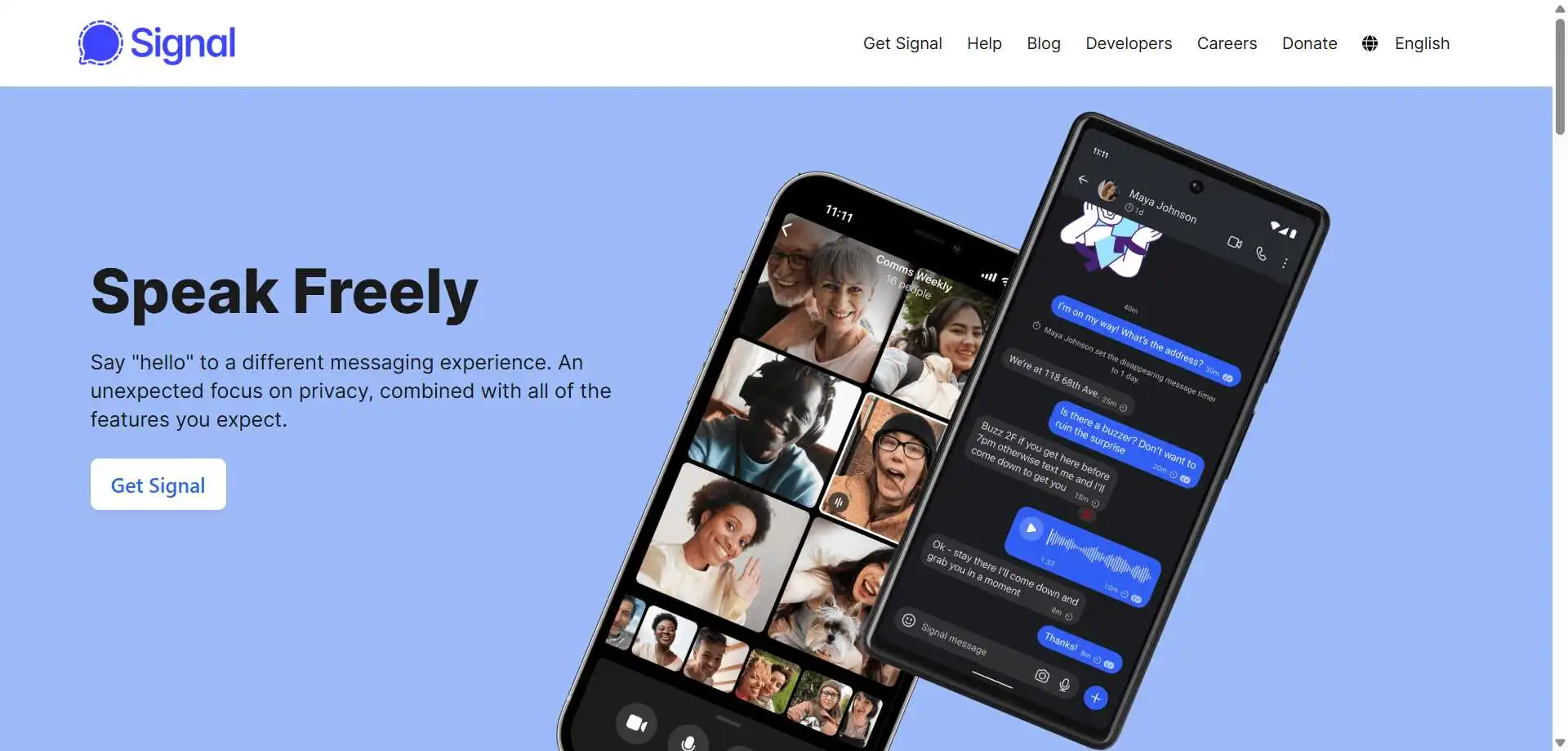
Signal is an open-source messaging application that focuses entirely on data privacy. It is maintained by a non-profit foundation and contains zero advertisements or user tracking trackers. It is ideal for privacy-minded groups and sensitive discussions.
Signal group chats support up to 1,000 members per group room. Technical testing from SecretChatApp secure app reviews confirms that Signal encrypts all texts, voice calls, and file transfers automatically. Signal stores no user metadata on its central servers. You can set disappearing messages to delete chat history automatically. You can read more about secure messaging apps compared to evaluate privacy protections.
How to Choose the Right Group Chat App for Your Group
Picking the best chat app depends on your group size, technical needs, and conversation goals. Follow this simple framework to make your decision:
- For family and close friends: Choose WhatsApp. It is simple to use, widely adopted, and encrypted by default.
- For gaming and voice hangouts: Choose Discord. It provides dedicated voice channels and organized text topics.
- For work and school projects: Choose Google Chat. It connects seamlessly with Google Docs, Drive, and Meet.
- For clubs and event planning: Choose GroupMe. Its built-in calendar and polling tools make event planning simple.
- For huge public communities: Choose Telegram. It supports large member caps and custom automated bots.
- For strict personal privacy: Choose Signal. It offers zero tracking and maximum security for all group data.
Key Takeaways
- Match your platform choice to your group size and privacy requirements.
- WhatsApp and Signal offer end-to-end encryption by default for private group conversations.
- Discord and Telegram offer superior organizational tools for large online communities.
- GroupMe handles event planning and polls exceptionally well for campus and sports teams.
- Google Chat works best for groups already using Google Workspace applications.
Frequently Asked Questions (FAQ)
What is a group chat app?
A group chat app is a messaging tool that allows multiple people to send text messages, share files, and hold group calls inside one shared digital room. It eliminates the need for individual messages by keeping everyone in the group informed at the same time.
Which app is the safest for private group chats?
Signal is generally considered the safest app for private group chats. It uses open-source end-to-end encryption and logs no personal user metadata. WhatsApp is also very secure because it encrypts all group messages by default.
What replaced Google Duo for group video calls?
Google Duo was combined into Google Meet. Users can make group video calls with up to 100 people using Google Meet at no extra cost. You can also explore options for the best video calling apps available for desktop and mobile devices.
Do all group chat apps require a phone number to sign up?
No. While WhatsApp and Signal require a mobile phone number for account creation, platforms like Discord and Google Chat only require an email address or a Google account.
What happens if my group exceeds an app’s member limit?
If your group reaches an app’s maximum member cap, you will need to upgrade to a community channel format or move to a larger platform. For example, moving from a Discord Group DM (limit 10) to a Discord Server (limit 500,000) or moving to Telegram (limit 200,000) allows your audience to continue growing.





💬 Comments