Safe online gaming requires strong passwords, multi-factor authentication, unlinked payment cards, updated game software, private profile settings, and downloading games only from trusted platforms. Following these basic habits keeps your personal data and gaming accounts secure.
Quick Take: Safe Gaming Checklist
If you play games online, follow these six core safety rules to protect your accounts and personal data:
- Use Passphrases & MFA: Create long, unique passwords and turn on multi-factor authentication.
- Protect Personal Details: Use a gamer tag that does not reveal your real name or location.
- Unlink Bank Cards: Remove saved credit card details from gaming stores and use gift cards instead.
- Play on Trusted Platforms: Only download games from official stores or verified websites.
- Keep Software Updated: Turn on automatic updates for your games, operating system, and security software.
- Lock Down Privacy Settings: Set your profile to private and block suspicious players immediately.
Why Online Gaming Security Is Important
Online gaming is popular across all age groups. Modern games connect millions of players through cross-platform multiplayer matches, voice chat rooms, and digital marketplaces. However, these connections also attract cybercriminals.
Gamers are frequent targets for online attacks. Account theft, credit card fraud, and phishing scams happen every day. Criminals try to steal valuable in-game items, access saved payment methods, or compromise personal devices. Taking simple security steps gives you peace of mind and keeps your gaming sessions safe.
6 Essential Tips for Safe Online Gaming
1. Secure Your Accounts with Passphrases and Multi-Factor Authentication
Weak passwords are the leading cause of stolen gaming accounts. Hackers use automated tools to guess simple passwords in seconds. They also test stolen passwords from other data breaches to break into your account.
Do not use simple passwords or repeat the same password across multiple sites. Instead, use a passphrase. A passphrase combines four or more random words into a long string, such as blue-space-dragon-guitar. Passphrases are easy for you to remember but extremely hard for computer programs to guess. You can manage complex login details safely by following our password manager guide.
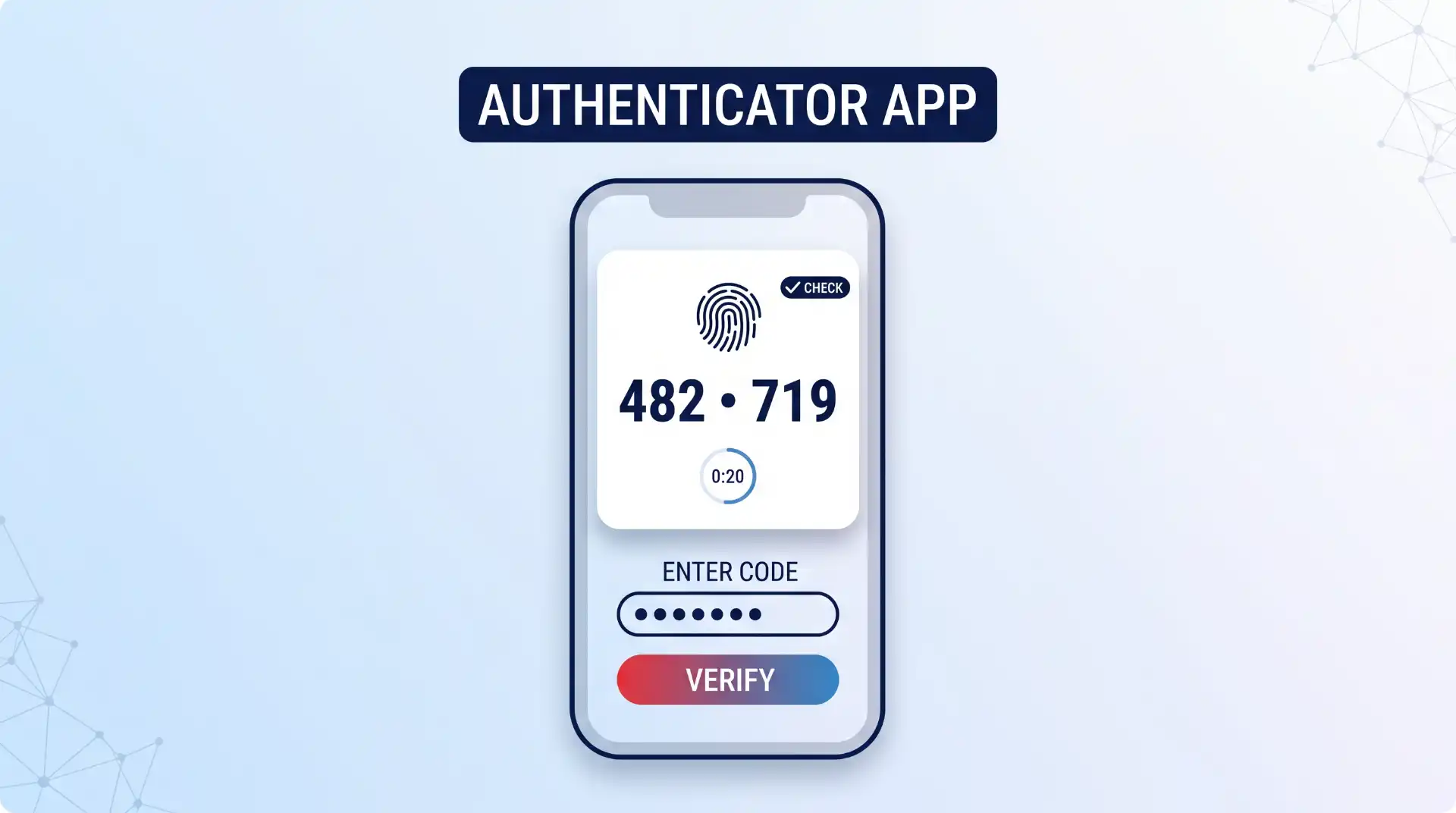
Next, enable Multi-Factor Authentication (MFA) or Two-Factor Authentication (2FA) on every gaming service you use. MFA requires two forms of proof before letting anyone log into your account. Usually, this means your normal password plus a temporary code sent to a mobile app. Following cyber hygiene guidance from CISA shows that MFA stops the vast majority of automated login attacks. Whenever possible, set up a dedicated mobile application rather than text messages by following our authenticator app guide. For a full breakdown of how login security layers work, review this multifactor authentication guide.
2. Keep Your Real Name and Personal Details Private
Scammers often trick gamers into sharing personal information during online matches. This tactic is called social engineering. A player might act friendly and ask for your full name, age, city, or school. They use these small details to answer your account recovery questions or find your private social media profiles.
Keep your real-world identity separate from your gaming persona. Choose a gamer tag or username that contains no part of your real name, birth year, or location. Avoid sharing personal photos, phone numbers, or residential addresses in game chats or voice channels. Adhering to official Europol online gaming safety rules helps keep your real-world information hidden from online strangers. If someone offers you free items in exchange for personal information, stop talking to them immediately and learn how to protect yourself from phishing.
3. Protect Your Financial Data and Unlink Payment Cards
Gaming stores make it easy to save your credit card details for fast purchases. However, storing active credit cards inside your account creates a major financial risk if your account ever gets hacked.
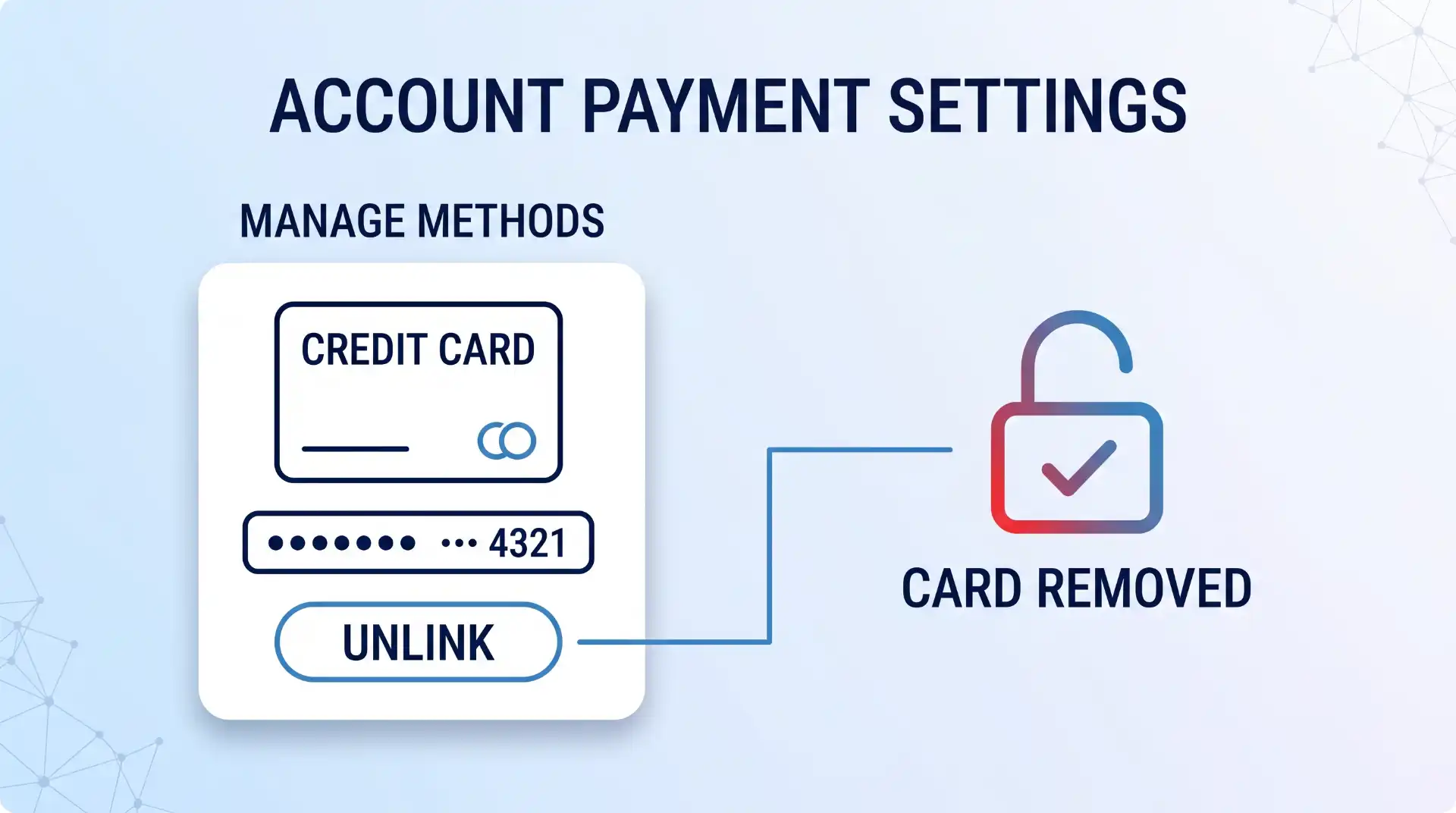
Unlink your payment cards from your digital profiles after making a purchase. According to official online gaming security guidance, unlinking card details prevents unauthorized charges if a hacker gains temporary access to your account. Instead of saving a credit card, use prepaid gift cards or digital payment services like PayPal. Prepaid gift cards limit your potential financial loss because they are not connected to your primary bank account. You can also require a PIN code for every purchase inside your console or launcher settings.
4. Play on Reputable Platforms and Verified Gaming Sites
Where you download and play games matters just as much as how you secure your account. Only purchase and download titles from verified digital storefronts, such as Steam, the Epic Games Store, PlayStation Store, Xbox Store, or Nintendo eShop.
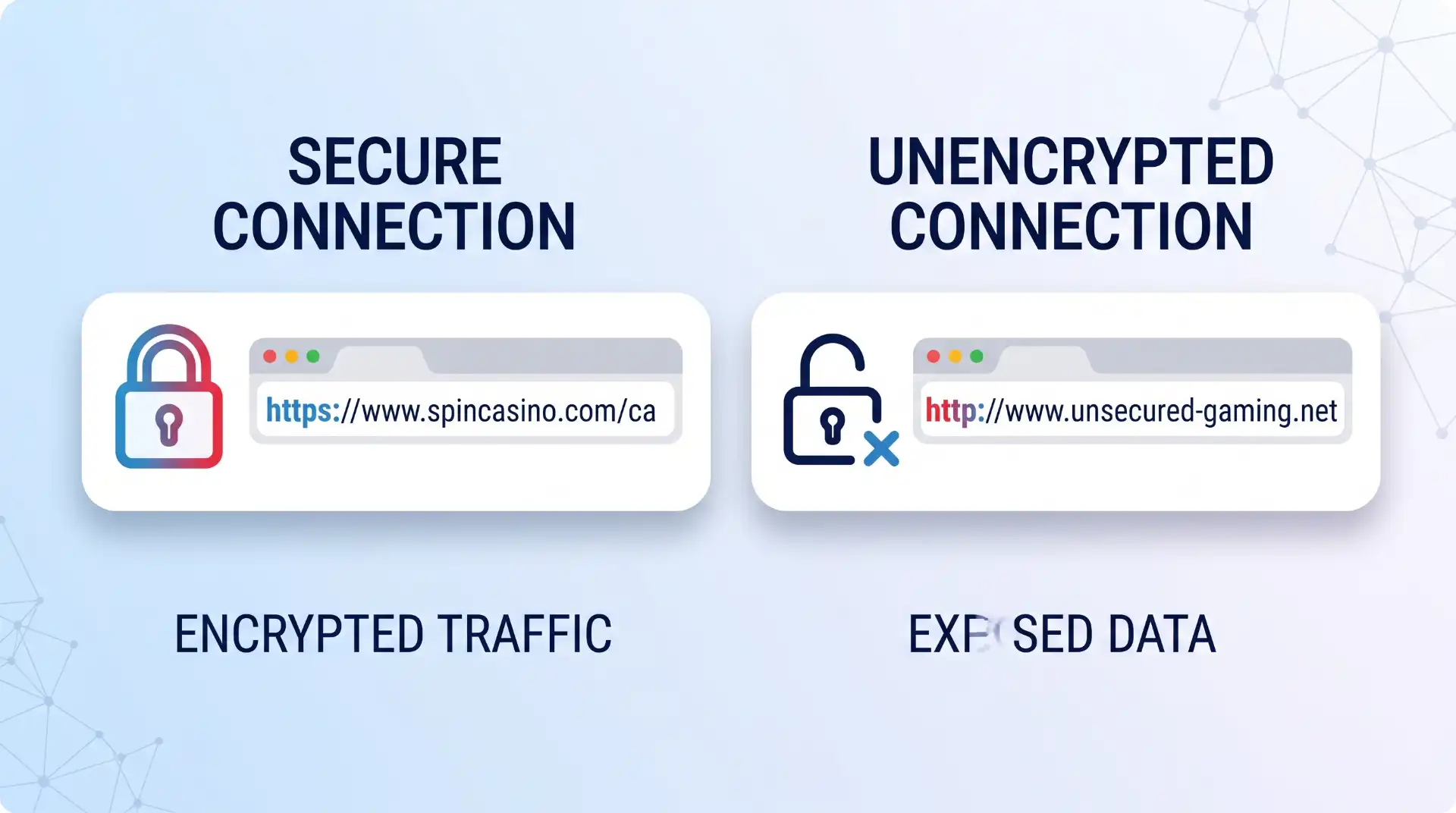
If you visit web-based platforms or online casinos, make sure you choose fully licensed and certified providers. For example, legitimate websites like Spin Casino protect user connections with SSL/TLS encryption protocols and use industry-certified software. Before entering any payment details on a website, check your browser address bar for a secure HTTPS address. You can learn more about how encryption protects online gaming transactions in our guide to online casino safety.
5. Turn On Automatic Updates for Games and Devices
Software developers frequently release security patches to fix hidden bugs and software flaws. If you delay updates, cybercriminals can exploit those known vulnerabilities to gain access to your computer or console.
Enable automatic updates for your operating system, graphics drivers, game launchers, and individual games. Doing this ensures critical security fixes install as soon as they become available. Additionally, install high-quality security software on your gaming PC. Reviewing ESET safe gaming advice confirms that active antivirus programs block malicious software before it can install. Check out our detailed Bitdefender Total Security review to see how modern security software protects system performance while gaming.
6. Set Account Profiles to Private and Block Toxic Users
Most modern gaming consoles and launchers default to public profiles. This means anyone can see your real name, game library, online status, and friend list unless you change your settings.
Open your account settings and change your profile visibility to private or friends-only. Disable automated friend requests from strangers and restrict who can send you direct messages or voice party invites. Parents managing accounts for younger family members can configure strict boundaries using our parental controls guide. If another player acts aggressively, asks for personal data, or sends suspicious web links, use the built-in block and report features immediately.
How to Spot Online Gaming Scams
Recognizing the difference between genuine platform features and common scams helps you avoid security traps. Use the quick reference table below to evaluate suspicious offers:
| Feature / Scenario | Legitimate Platform Action | Common Scam Red Flag |
|---|---|---|
| In-Game Purchases | Processed directly inside the official platform storefront with standard payment prompts. | Requests you to visit an external third-party website to trade skins or claim free currency. |
| Account Verification | Prompts for MFA codes inside the official login screen or app. | A player or self-proclaimed “admin” asks for your password or verification code in a direct message. |
| Game Mods & Tools | Available through official platform workshops or verified, well-known developer portals. | Requires downloading executable (.exe) files or turning off your antivirus software to install. |
| Customer Support | Reached only through official support tickets submitted on the verified website. | Contacted via Discord direct messages or social media comments promising account recovery. |
Where These Safety Tips Have Limits
Following these six safety tips significantly reduces your risk online. However, individual precautions cannot prevent every security event. For example, large game publishers sometimes suffer server-side data breaches that expose user records regardless of your personal security habits.
Additionally, sophisticated zero-day flaws can affect hardware drivers or game engines before developers release a patch. To protect your connection against network-level snooping on public connections, consider using a secure encrypted connection as explained in our gaming VPN benefits overview.
Key Takeaways
- Use long passphrases and enable multi-factor authentication on every gaming account.
- Keep your gamer tag separate from your real name, age, and physical location.
- Remove saved payment cards from game store accounts and use prepaid gift cards instead.
- Download games only from official storefronts and check for HTTPS encryption on websites.
- Enable automatic updates for your operating system, games, and security software.
- Restrict profile visibility settings and block players who send unverified web links.
Frequently Asked Questions
Should I use SMS text messages for two-factor authentication on gaming accounts?
Using SMS text messages for two-factor authentication is better than using no protection at all. However, SMS verification is vulnerable to SIM-swapping attacks, where a criminal tricks your phone carrier into transferring your phone number to their device. Whenever possible, choose a dedicated mobile authenticator app or a physical hardware security key instead of SMS codes.
Can downloading free game mods or cheats infect my computer with malware?
Yes. Cybercriminals frequently hide malicious software inside unofficial game mods, custom skins, and cheat software. When you run an unverified installer, it can secretly install spyware, keyloggers, or ransomware on your device. Only download custom content from official platform workshops or well-known community repositories, and never disable your antivirus protection to install a file.
What should I do immediately if my online gaming account gets compromised?
If you lose control of your account, log into the official website immediately and request a password reset. Next, select the option to log out of all active sessions across all devices. If you cannot access your account, contact the official platform customer support team right away with proof of purchase details. Finally, change the passwords on any email accounts linked to that gaming profile.
Is it safe to play online games using public Wi-Fi networks?
Public Wi-Fi networks in airports, cafes, and hotels are often unencrypted and insecure. Unprotected networks allow hackers on the same network to intercept unencrypted traffic or set up fake Wi-Fi hotspots to steal credentials. Avoid logging into sensitive gaming accounts or entering payment details while connected to public Wi-Fi unless you route your traffic through a trusted virtual private network (VPN).
