AI and machine learning help software teams write code faster. They also help teams catch bugs sooner and test products with less manual work. Both technologies are now a normal part of daily development work, from solo app builders to large engineering teams.
Quick Take
Artificial intelligence (AI) means a machine performing a task that normally needs human thinking. Machine learning (ML) is one way to build AI. You feed a computer a large set of data. The computer learns patterns from that data on its own. In software development, teams use AI and ML for several things. That includes testing code automatically, catching bugs early, predicting system failures, generating code, powering chatbots, and personalizing apps for each user. None of these tools remove the need for a person to check the final result before it ships.
What AI and Machine Learning Actually Mean
AI is the broad goal: build machines that can do things that normally require human intelligence. That includes recognizing speech, making decisions, and understanding written text. Machine learning is a specific method used to reach that goal. Instead of a programmer writing exact rules for every situation, an ML system studies examples. It works out the pattern on its own.
Some AI tools now go a step further. They show their reasoning as they work. Instead of just returning an answer, they walk through the steps they took to get there. You can read more about how reasoning-focused AI models work if you want the deeper technical picture.
Many businesses now turn to outside teams to help build software that uses these technologies. A directory of vetted providers is a faster starting point than searching cold. If you want to outsource your software development to a company with AI and ML experience, that’s a good place to look. Not every outside team works the same way, though. Location affects how well the partnership runs day to day. Nearshore teams are one option worth comparing here, since the advantages of a nearshore staffing model include closer time-zone overlap with your in-house team.
How AI and ML Show Up in Real Software Development Work
The idea of AI in software development can feel abstract. It helps to see exactly where it gets used. Here are the six places it shows up most often today.
Automated Testing
AI testing tools can turn a plain-language description of a feature into a working test. This used to take a person hours to write by hand. These tools can also fix a test automatically when the app’s interface changes slightly. This feature is usually called self-healing. Test maintenance has traditionally eaten up a large share of engineering time, so this kind of automatic repair saves real hours. These tools can also spot the difference between a genuine bug and a flaky test. A flaky test fails for a reason unrelated to the actual code. Telling the two apart stops developers from chasing problems that aren’t really there.
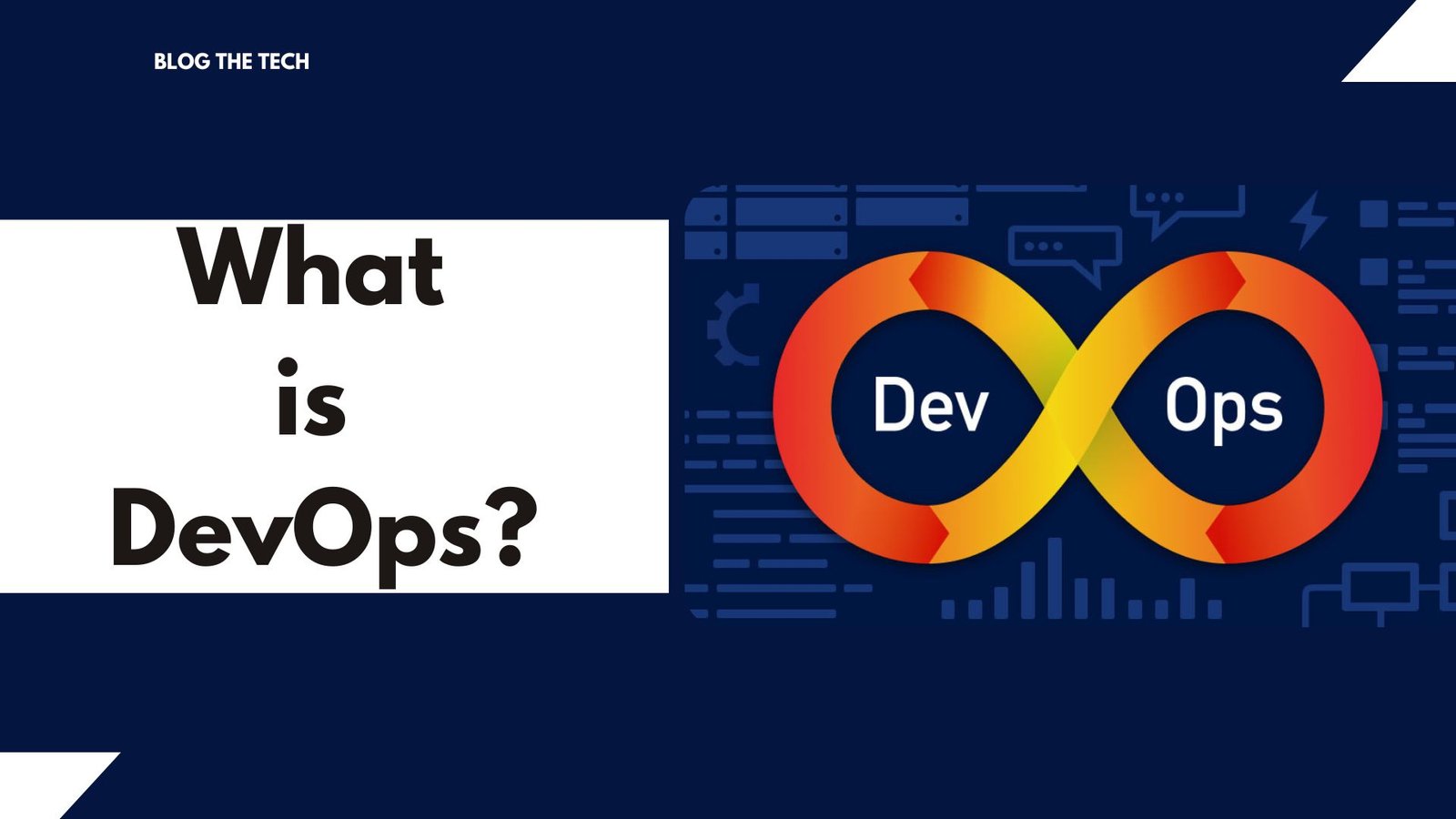
This kind of testing usually runs as part of a team’s broader delivery pipeline. If you’re not sure how that pipeline fits together, this explainer on DevOps covers the basics. A pipeline like that only works well if the rest of the team’s processes support it. Good IT automation practices make it much easier to plug new AI tools into an existing workflow, without a full rebuild.
Bug Detection
Manually reviewing code line by line is slow. It’s also easy to miss a bug that way. A peer-reviewed review of AI in software engineering looked at this problem closely. It found that models trained on a project’s own history can flag code that looks similar to past defects. This happens before that code ever reaches a real user. In one documented case, a company using this kind of AI-assisted prediction saw real results. Bugs found after release dropped by 20%. Debugging time fell by roughly 30%. That’s a meaningful jump in both software quality and how fast a team can fix what’s broken.
Predictive Maintenance
Predictive maintenance means using data to guess when a software system is likely to fail or slow down. The goal is to catch this before it actually happens. The AI model looks at signals like performance metrics and error logs. It also watches how the system is being used day to day. From these signals, it flags early warning signs. Acting on those warnings ahead of time helps a team avoid unplanned downtime. That, in turn, helps reduce software development costs over the life of a project. Downtime is expensive in ways that are easy to underestimate, until it actually happens to your team. Pairing predictive maintenance with AI-driven monitoring tools gives a team a much earlier view of problems than traditional dashboards do.
Code Generation
AI code generation tools suggest or write code for a developer. They base their suggestions on the surrounding code and the rest of the project. GitHub’s own data shows what this looks like in practice. Developers using its Copilot tool report being up to 55% more productive at writing code, without giving up quality. The same tool can also review a pull request automatically. It flags issues before a human reviewer ever opens it. Some newer tools push this further. Zencoder can edit code across several files at once. It also uses more than one AI model to check the work, so one model’s mistake is more likely to get caught by another.
Generative AI research is moving fast in this area, and the underlying techniques change often. If you want to track where the field is heading next, this overview of generative AI research trends is a good place to start.
Natural Language Processing
Natural language processing, or NLP, is technology that lets a computer understand human language. This works for both typed and spoken language. It’s the technology behind chatbots and voice assistants. The system reads what you typed or said, works out what you actually want, and responds in a way that sounds natural. Voice assistants like Amazon’s Alexa, Apple’s Siri, and Google Assistant all rely on this kind of technology. They use it to control devices and answer questions hands-free. In software products, NLP is what lets a support chatbot answer a customer’s question directly. It skips forcing them through a menu of preset options.
Personalization
Machine learning can study what a user clicks, buys, or spends time on. It uses that pattern to personalize what they see next. This usually works through one of two main approaches. The first matches a user with items similar to what they already liked. The second matches them with other users who have similar taste. Streaming services, online stores, and productivity apps all use some version of this. It makes recommendations feel relevant instead of random. Done well, personalization can also make an app’s interface easier to use, by surfacing the features a specific user actually needs.
Common Misconceptions About AI in Software Development
The biggest misconception is that AI tools are already reliable enough to trust without checking their work. Developer survey data says otherwise. In the 2025 Stack Overflow developer survey, 84% of respondents said they use or plan to use AI tools. 51% of professional developers use one daily. But trust in the output is a separate question. In that same survey, only 33% of developers said they trust the accuracy of AI tools. Meanwhile, 46% actively distrust it. Experienced developers were the most cautious group of all. Wide adoption and high trust are two different things. Right now, adoption is running well ahead of trust.
A second misconception is that AI in software development means one single tool doing everything. In practice, it’s several separate systems. Each one is good at one narrow job. One model completes your code. A different tool tests it. Another watches your servers for early failure signs. Treating “AI” as one product, instead of a toolbox, is a common early mistake for teams just getting started.
Where AI Tools Still Fall Short
AI-generated code can look correct and still contain a bug. That bug might only show up under specific conditions the model wasn’t trained on. AI testing tools are strong at catching regressions in features they’ve already seen. They’re weaker at imagining a completely new kind of failure a human tester might think to try. Predictive maintenance models need a decent amount of historical data to work well. A brand-new system with little usage history won’t get much value from them yet. None of this makes the tools not worth using. It does mean a human still needs to review the output. That person should also run the existing test suite and understand roughly why the AI made its choice. That’s a better plan than shipping a suggestion straight to production.
Key Takeaways
- AI is the broad goal of machines performing human-like tasks. Machine learning is a specific technique for reaching that goal by learning from data.
- The clearest wins in software development today are automated testing, bug detection, predictive maintenance, code generation, NLP-powered chatbots, and personalization.
- Developer adoption of AI tools is high, but trust in their accuracy is still low. The tools speed up work; they don’t replace review.
- AI tools work best on patterns they’ve already seen. They’re weaker on brand-new failure modes and systems with little historical data.
FAQ
Will AI replace software developers?
Not based on current evidence. AI tools handle repetitive, well-defined tasks, like writing boilerplate code or a first-pass test case. But they still need a developer to define the problem and judge whether the output is correct. A developer also has to handle anything that falls outside the tool’s training data. The role is shifting toward more review and judgment work, not disappearing.
Do I need to already know how to code before I use AI coding tools?
Some basic understanding helps a lot, even if you’re a beginner. AI coding tools can generate code you don’t fully understand. Without any coding background, it’s hard to tell whether that code is actually correct, or just looks plausible. Learning enough to read and test the code an AI tool gives you is a reasonable first goal.
How do I know if I can trust code that AI generated?
Run it through your normal checks. That means your existing automated test suite, a manual read-through of the logic, and a check for any security or licensing issues. Treat it the same way you’d treat code written by a new team member. Don’t merge AI-generated code straight into production without at least one of these steps.
Does using AI tools cost extra on top of my regular development tools?
It depends on the tool. Many AI coding assistants offer a free tier for individual developers. Paid plans usually cover teams that need more usage or extra features. Costs vary enough by vendor and plan that it’s worth checking current pricing directly on each tool’s site before you budget for it.




💬 Comments