Reducing cybersecurity risk starts with four layers: protect accounts, secure and update devices, keep recoverable copies of important data, and train people to recognize and report suspicious activity. No single control stops every attack, so the goal is to make several safeguards work together.
That layered approach matters because cyberattacks rarely depend on only one weakness. A stolen password may expose an account, an unpatched device may provide another entry point, and a phishing message may target an employee instead of software. If one safeguard fails, another should still limit what an attacker can reach or help the business recover.
Cybersecurity Safety Starts With Layers, Not One Tool
Cybersecurity is the practice of managing risks to computers, accounts, networks, applications, and data. It is not something a business solves by buying one product or enabling one feature.
The NIST Cybersecurity Framework 2.0 organizes cybersecurity risk management around six functions: Govern, Identify, Protect, Detect, Respond, and Recover. These functions are meant to work together rather than as isolated defenses.
A simple example shows why. Multi-factor authentication may stop someone who has stolen an employee’s password, but it does not repair an unpatched laptop. Encryption can help protect stored information, but it does not replace backups. A backup may help restore files after an attack, but it does not prevent a phishing message from reaching an employee.
The four priorities below translate that layered idea into practical controls that a business can evaluate without assuming that every organization needs the same security products or infrastructure. For organizations formalizing ownership, policies, inventories, and review intervals, a small-business cybersecurity plan can organize those controls around the systems and information that matter most.
1. Protect Accounts and Control Who Gets Access
Business security often starts with an account. Email, cloud storage, financial systems, customer databases, administrative tools, and remote-access services usually depend on a user proving who they are before gaining access.
Passwords therefore need to be unique rather than reused across services. A password manager can make that practical by generating and storing separate credentials instead of forcing employees to remember them all. A more detailed password policy and password manager setup can also address recovery procedures, compromised passwords, and how credentials are managed across a team.
Passwords should not be the only barrier around important accounts. NIST recommends multi-factor authentication, or MFA, because a compromised password by itself is then less useful to an attacker. MFA requires another authentication factor, such as a security key, authenticator, smart card, or biometric factor.
Not every MFA method provides the same protection. Codes that a person can type into a fake login page can themselves be phished. For higher-risk accounts, phishing-resistant authentication such as properly deployed security keys or platform-based FIDO authenticators can provide stronger protection because the authentication process is designed to resist impostor login sites.
The practical question in MFA and two-factor authentication is therefore not simply which label a service uses. Businesses should consider what factors are required, how resistant the method is to phishing, and whether account-recovery procedures create an easier path around the primary login controls.
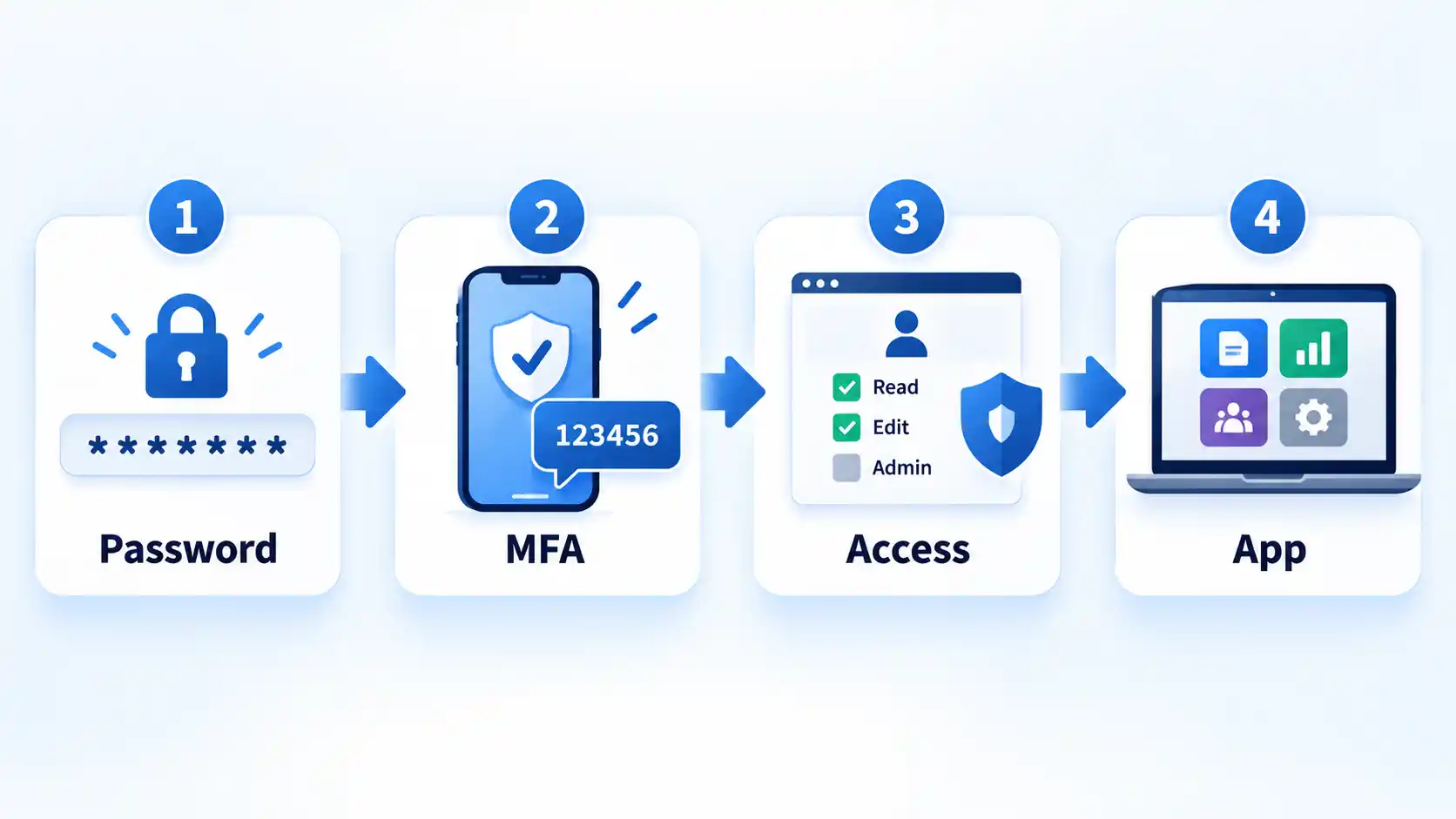
Authentication answers only one question: can this person prove their identity? Authorization answers another: what should that account be allowed to do?
That distinction is why least privilege matters. Employees should receive only the permissions needed for their work, and administrator rights should be limited rather than given to every everyday account. Former employees, expired contractors, abandoned test accounts, and unnecessary third-party access should also be removed when they are no longer required.
This reduces the damage possible when one account is compromised. An attacker who gains access to an ordinary user account should not automatically inherit unrestricted access to sensitive files, security settings, backups, and every other business system.
2. Secure Devices and Keep Software Updated
Strong account protection can still be undermined by an insecure computer, phone, router, server, or application. Devices therefore need both technical and physical protection.
The Federal Trade Commission’s small-business cybersecurity guidance recommends keeping operating systems, browsers, applications, and security software current and enabling automatic updates where appropriate. Updates frequently contain fixes for known vulnerabilities, so postponing them can leave an avoidable path into a system.
Unsupported software deserves extra attention. There is an important difference between a supported application that is temporarily behind on an update and software that has reached end of support. Once a vendor stops providing security fixes, newly discovered weaknesses may remain unresolved. Businesses should identify systems that no longer receive security support and plan to upgrade, replace, isolate, or otherwise manage their exposure.
Endpoint security adds another layer. Endpoint protection software can inspect activity on laptops, desktops, servers, and other managed devices for known malware or suspicious behavior. It should complement patching and access control rather than become the whole strategy. Businesses comparing products can use a structured endpoint protection evaluation framework instead of choosing solely by the length of a vendor’s feature list.
Physical access also matters. A laptop left unlocked in a public or shared space can expose information without an attacker exploiting a software vulnerability. Use screen locking, restrict access to sensitive equipment, protect portable devices, and avoid leaving devices unattended where unauthorized people can use or remove them.
Routers and other infrastructure should receive the same attention. Change default administrative credentials, install available firmware or security updates, restrict unnecessary remote management, and separate guest devices from business systems when the environment supports it.
Remote and mobile work can introduce additional exposure because employees may connect through networks the business does not control. The same principles still apply: keep the endpoint current, authenticate strongly, protect sensitive traffic, and understand the risks before using unfamiliar networks. Practical device-side precautions are covered in this public Wi-Fi safety guide.
3. Encrypt Important Data and Maintain Recoverable Backups
Encryption and backups are both important, but they solve different problems. Treating them as interchangeable can leave a business protected against one failure while exposed to another.
Encryption transforms readable information so that it cannot be interpreted without the required cryptographic keys or authentication. Encryption at rest protects stored information, while encryption in transit protects information as it moves between systems. The FTC recommends encrypting sensitive devices, media, stored data, and sensitive information transmitted outside the business.
Encryption does not mean the information cannot be stolen or destroyed. If an attacker compromises an authorized account while the data is accessible, the attacker may still be able to read it. Malware may also delete or encrypt files even when the storage device itself uses encryption.
Backups address a different question: can the business recover important information or systems after data is deleted, corrupted, encrypted by ransomware, lost with a device, or damaged during another incident?
A useful backup strategy should therefore do more than create a second copy of a file. Important data should be backed up regularly, backup access should be protected, and at least some recovery copies should be sufficiently separated from the systems they protect so that the same compromise does not automatically destroy both production data and its backup. FTC guidance specifically recommends regular backups and, for ransomware resilience, keeping recovery copies off the affected network path.
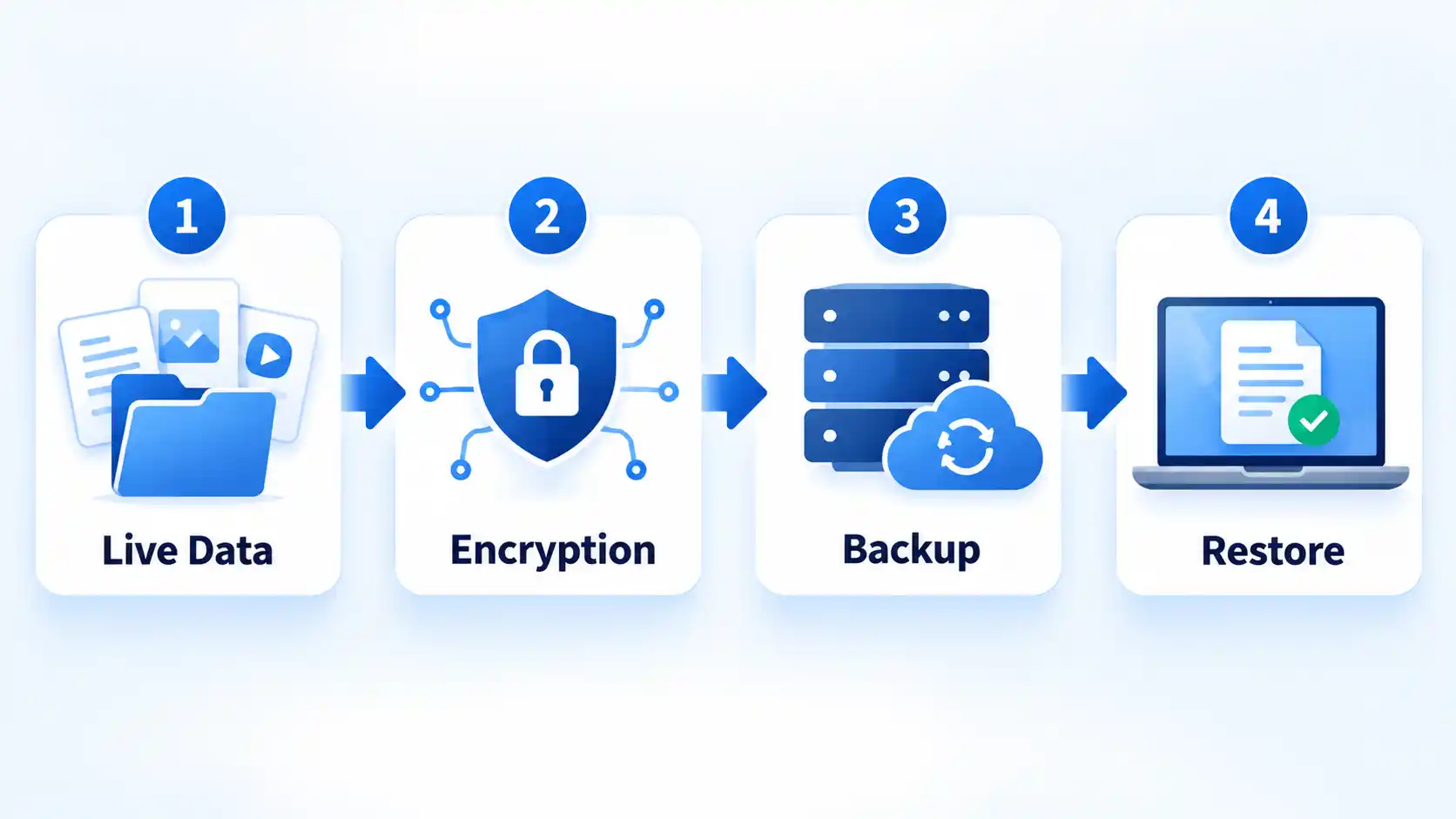
For example, ransomware that gains permission to modify a shared drive may also damage a continuously connected backup if that backup is writable through the same compromised credentials. Separating privileges, protecting backup administration, and maintaining a recovery copy outside the attacker’s normal path can reduce that risk.
The last step is often overlooked: test restoration. A backup job reporting “successful” does not prove that every required file, configuration, or system can actually be recovered. Periodic restore tests can expose problems such as incomplete copies, inaccessible encryption keys, corrupted archives, missing applications, or recovery procedures nobody knows how to execute.
Backups should also fit into incident response and business continuity rather than being treated as a separate storage task. The FTC recommends planning in advance for incident response, disaster recovery, and business continuity so an organization knows how it will restore affected systems and keep essential work running.
4. Train Employees and Prepare for Suspicious Activity
People need to recognize suspicious activity, but employee awareness should never be the only defense between a convincing message and a compromised business account.
NIST’s phishing guidance explains that phishing can arrive through email and other communication channels and can try to steal credentials, persuade someone to transfer money, install malware, or expose sensitive information. NIST also notes that artificial intelligence can make phishing messages increasingly convincing, which makes independent verification more useful than relying on spelling errors or awkward wording as warning signs.
A simple rule is to verify unusual requests through a trusted channel. If an email apparently from a supplier asks for a sudden change to bank details, do not verify the request by replying to that same message or calling a number supplied inside it. Use contact information already known to the business or obtained independently.
Technical controls should support that human judgment. Email filtering can stop some malicious messages before they reach an inbox. Sender Policy Framework (SPF), DomainKeys Identified Mail (DKIM), and Domain-based Message Authentication, Reporting and Conformance (DMARC) are email-authentication mechanisms that can help receiving mail systems assess whether messages claiming to come from a domain are authorized. NIST SP 800-177 Rev. 1 covers these technologies as part of improving trust in enterprise email.
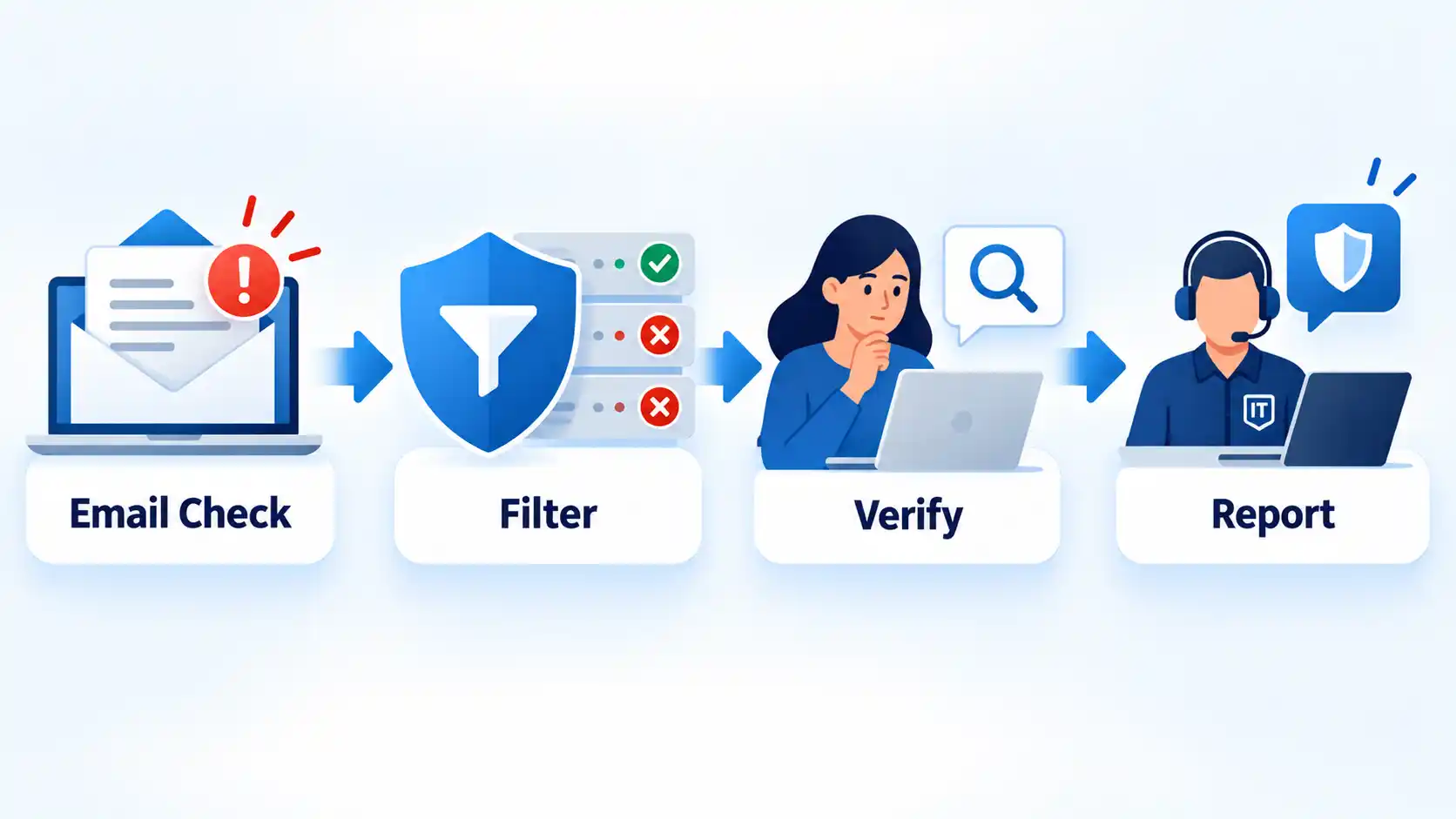
Employees should also have an obvious reporting route. Telling people to “be careful” is less useful if they do not know whom to contact after receiving a suspicious message, approving an unexpected MFA prompt, entering credentials into a questionable page, or losing a company device.
If someone has already interacted with a suspicious link, the problem changes from awareness to containment. What to do after an employee clicks a phishing link can depend on whether credentials were entered, a file was opened, malware executed, or an active session was exposed, so the response should be based on what actually happened rather than on the link alone.
Businesses should also monitor for signs that preventive controls failed. Unexpected logins, unknown devices, new administrative accounts, unusual data access, unexplained configuration changes, or connections from systems that should not be present can justify investigation.
This is where incident planning becomes important. Decide in advance who receives reports, who can disable an account or isolate a device, who handles backups and recovery, and who makes decisions about customers, vendors, insurers, regulators, or law enforcement when those parties are relevant. Different cybersecurity threats and attack methods may require different technical responses, but having a defined escalation path avoids inventing the process during an incident.
What About VPNs, Virtual Desktops, and Virtual Data Rooms?
Virtual Private Networks (VPNs), Virtual Desktop Infrastructure (VDI), and Virtual Data Rooms (VDRs) can all have legitimate security uses, but they are not interchangeable and are not universal requirements for every business.
A VPN can protect traffic across a network connection or provide a controlled route for remote access to business resources. It does not automatically secure an infected device, stop phishing, fix weak authentication, or protect every service an employee uses.
VDI centralizes desktop environments on managed infrastructure. That can simplify some access, configuration, and data-management decisions, but the environment still needs strong authentication, patching, monitoring, access control, and protection of the infrastructure hosting those desktops.
A VDR is mainly a controlled environment for sharing sensitive documents with defined participants. It can be useful for transactions or other document-heavy workflows, but adopting one is not a substitute for a broader cybersecurity program.
These technologies should therefore be selected because they address a specific business requirement, not because the word “virtual” automatically makes an environment safer.
A Simple Cybersecurity Check You Can Do Today
The following observations can help confirm whether the four defensive layers described above are actually present. They are not a formal security audit, but a failed check points to a specific control worth investigating.
Verify the result
- Signing in to an important business account prompts for the approved MFA method instead of accepting a password alone.
- Business-critical computers, browsers, applications, and security tools show supported versions, with available security updates addressed according to the organization’s patching process.
- A test restore can recover an important file or representative system data from the protected backup without relying on the original production copy.
- Employees can identify the person, team, or reporting channel to contact when they receive a suspicious message, lose a device, or notice an unexpected login.
- A review of sensitive systems shows that administrator and confidential-data access is limited to accounts that currently need those privileges.
If several of these checks fail, address the highest-impact gaps rather than adding unrelated security products. An exposed administrator account, missing backups, unsupported device, or unclear incident-reporting process can each increase the damage caused by another security failure.
Final Takeaway
Effective cybersecurity does not depend on finding one perfect defense. Protect identities, reduce unnecessary access, keep devices current, safeguard and test backups, and give people a clear way to verify and report suspicious activity. When those controls overlap, one mistake or compromised system is less likely to become a business-wide incident.