Security
Get the latest Technology Security Tips. Stay up to that and Stay Safe.
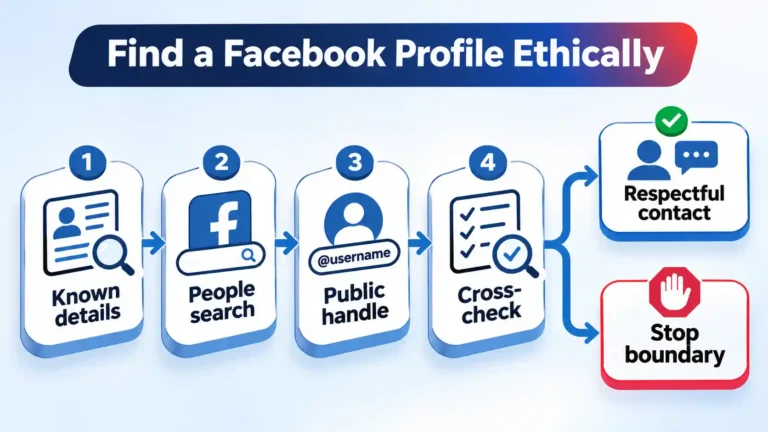
How to Search for a Hard-to-Find Facebook Profile Ethically
Facebook search does not always surface the right person. This guide shows how to narrow candidates with names, public handles, search engines, images, and historical context—then verify carefully, avoid intrusive shortcuts, and stop when privacy becomes the boundary.
 Updated
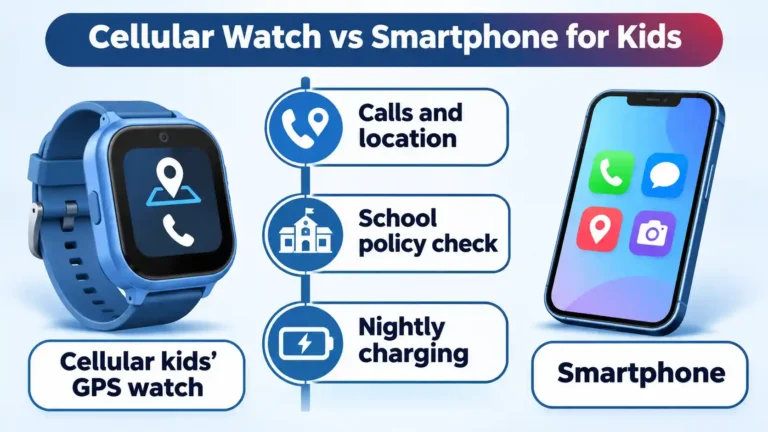
GPS Watches for Kids vs Smartphones: Which Fits Your 5–11-Year-Old?
A cellular GPS watch is the more proportionate first device for many 5–11-year-olds, provided the school permits a wearable and you will manage the app and charging. Here is the same-criteria comparison, the real trade-offs, and the setup tests that matter.
 Updated
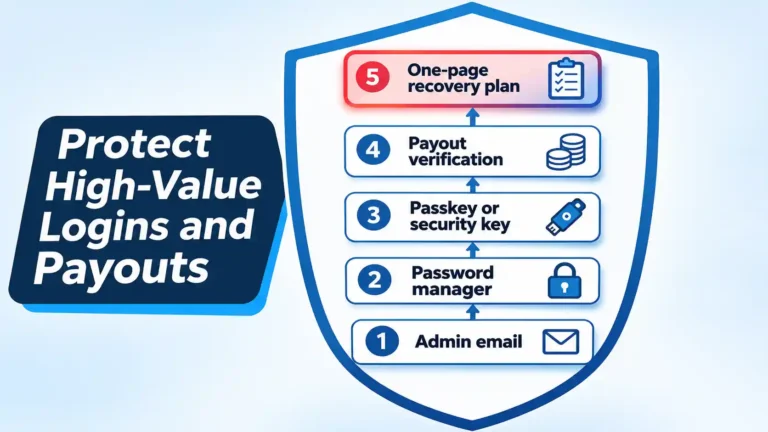
How to Reduce Account Takeover Risk for Small Online Businesses and Affiliate Marketers
A solo operator does not need an enterprise budget, but the inbox, registrar and payout dashboard need real protection. This ordered procedure covers passkeys and security keys, password managers, callback verification for payout changes, backup testing and a one-page recovery plan.
 Updated
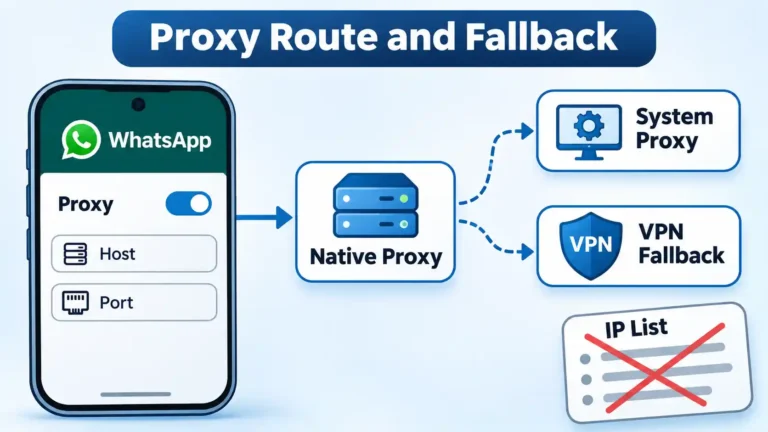
WhatsApp Proxy Setup: Configure a Trusted Host and Know Your Fallback
WhatsApp’s built-in proxy can restore chat when you have a host and port worth trusting. Here’s the exact Android and iOS setup, how to vet a proxy source, how ports affect media, and when to abandon the proxy for a system-level route or a VPN.
 Updated
Best Parental Control Apps 2026: Four Layers for Monitoring, Limits, and Cyber Literacy
Most families can start free. This four-layer comparison shows when Apple Screen Time, Google Family Link, Qustodio, or Bark is the right upgrade, and where cyber literacy, YouTube Kids, and bedtime limits fit.
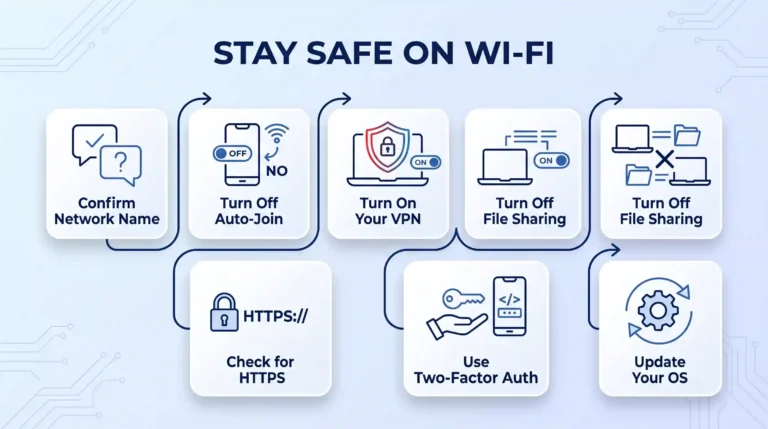
How to Stay Safe on Public Wi-Fi: A Step-by-Step Guide
Public Wi-Fi risk comes down to a handful of settings, not luck. This guide walks through confirming the network name, turning off auto-join, running a VPN correctly, and the specific troubleshooting steps for iPhone, Android, Windows, and Mac when something doesn't work as expected.
 Updated
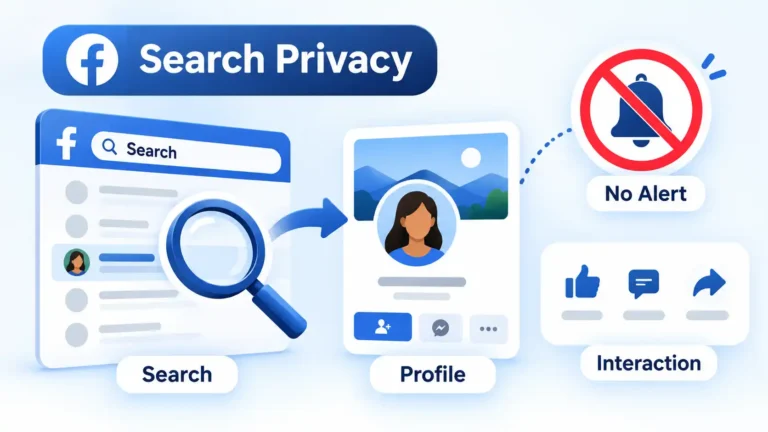
Can People See If You Search Them on Facebook?
Facebook does not tell someone that you searched for their name or silently opened their personal profile. This guide separates private searches from visible actions such as friend requests, messages, reactions, Story views, and other interactions.
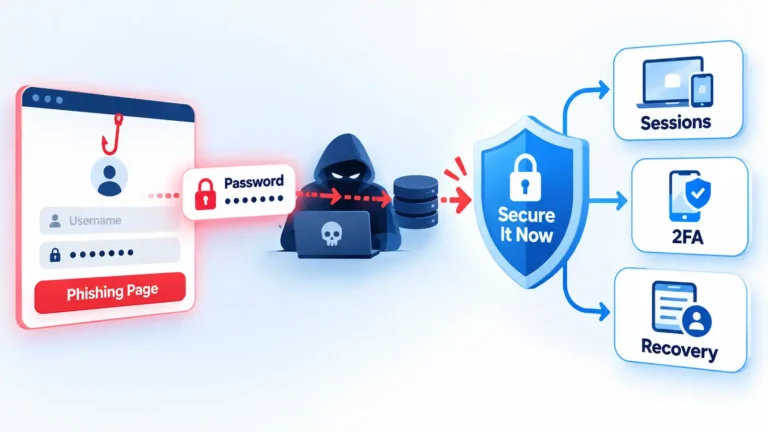
What to Do After Entering Your Password on a Phishing Site
Entering a password on a phishing site does not prove the attacker used your account, but the password should be treated as exposed. Secure the real account, fix password reuse, check sessions and recovery settings, and identify any additional information the phishing page received.
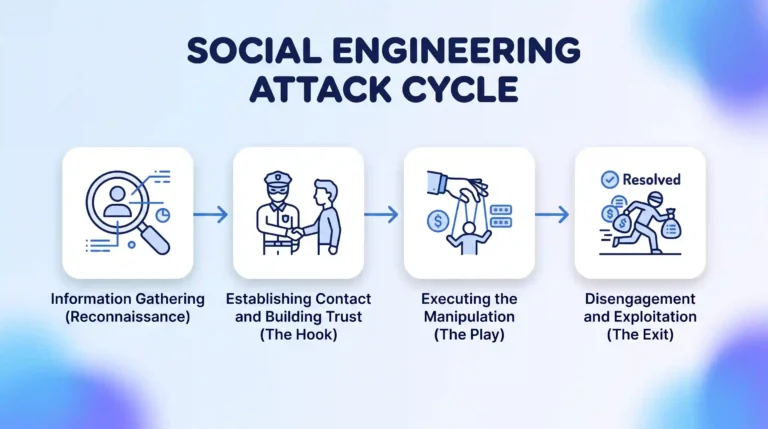
What Is a Social Engineering Attack? How It Works and How to Stay Protected
A social engineering attack is a deceptive security scam targeting human psychology rather than software flaws. Discover common attack vectors like phishing, pretexting, and baiting, and learn essential out-of-band verification steps to protect your sensitive personal and workplace accounts from manipulation.
 Updated
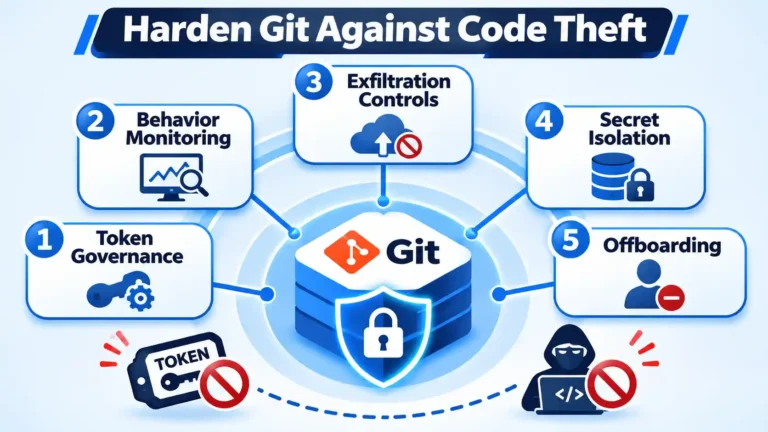
5 Steps to Harden Git Against Source Code Theft From Tokens and Insiders
A stolen token or a departing engineer’s cloned repository can bypass perimeter controls. This five-step protocol hardens Git through identity-lifecycle control and behavior monitoring, from short-lived scoped tokens to coordinated offboarding.
 Updated
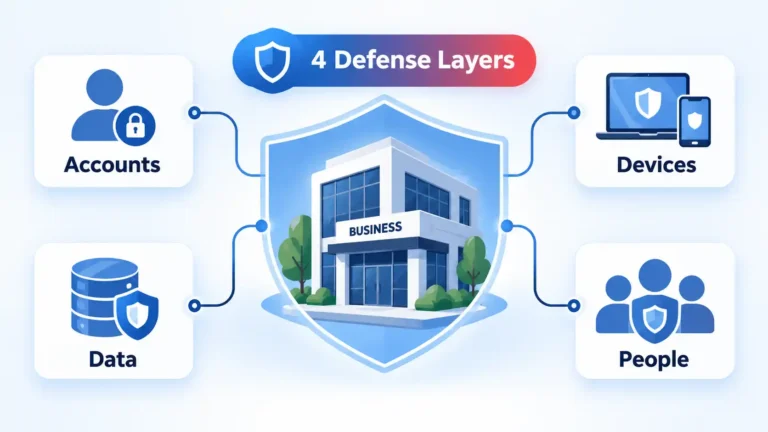
Cybersecurity Attacks: 4 Practical Ways to Protect Your Business
Cybersecurity works best as overlapping protection rather than a single security product. This guide explains four practical layers for securing business accounts and devices, protecting recoverable data, preparing employees for phishing, and responding when preventive controls fail.
 Updated
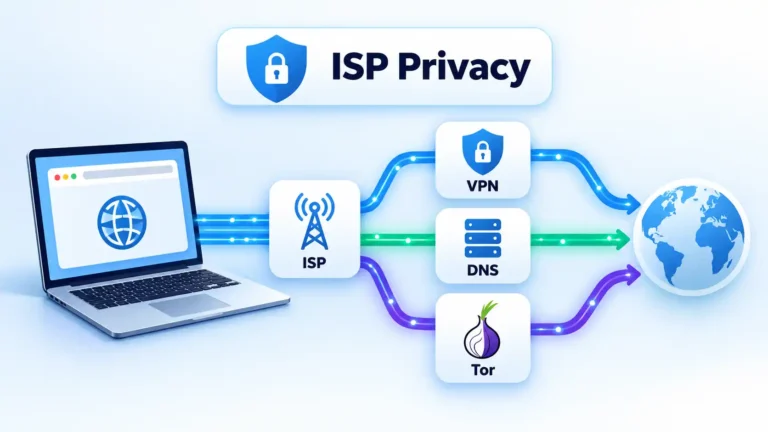
How to Hide Browsing History From Your ISP
Your ISP may still learn useful information about your internet connections even when websites use HTTPS. This guide explains what VPNs, Tor, encrypted DNS, proxies and private browsing actually protect, then shows how to check whether your chosen setup is working.
 Updated
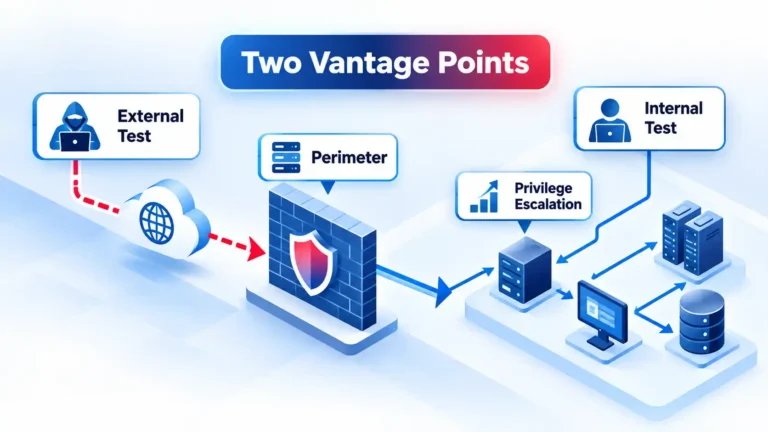
Internal vs External Penetration Testing: Scope, Methods and Differences
External penetration testing examines what an attacker can reach from outside the network, while internal testing starts from an assumed foothold inside. This guide explains their scopes, methods, findings, authorization requirements, and how to determine which perspective answers the security question.
 Updated
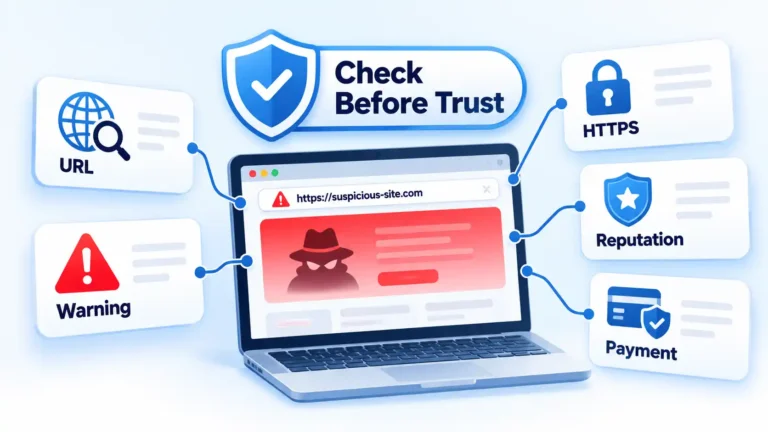
How to Know if a Website Is Safe: 10 Checks That Matter
No single padlock, review score, or website scanner can prove that a site is safe. These 10 checks help you examine the domain, browser warnings, HTTPS connection, reputation, business details, reviews, and payment behavior before deciding whether to continue.

11 Ways to Avoid Malware While Browsing the Internet
Malware risk often begins with a download, fake update, unsafe extension, suspicious link, or outdated app. These 11 practical habits explain how to keep security protections active, verify software sources, handle warnings, and respond when something suspicious may already have happened.
 Updated
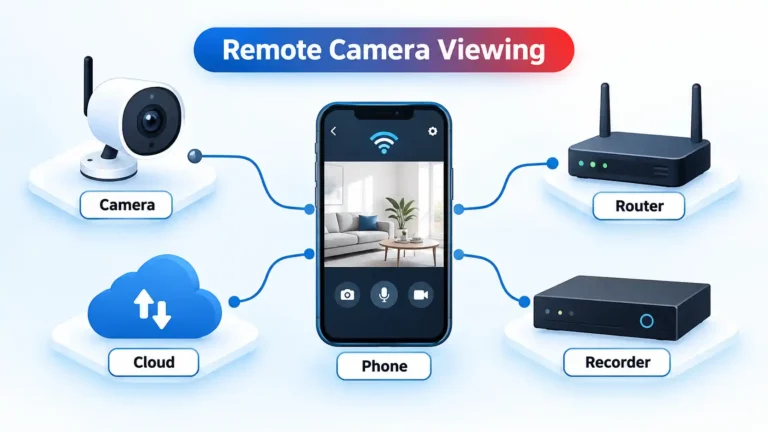
How to Monitor a Hidden Camera From Your Phone
Monitoring a security camera from your phone starts with matching the camera to its supported app or recorder. This guide explains pairing, true remote-view verification, 11 current monitoring ecosystems, account security, recording differences, and practical fixes when the camera will not connect.
 Updated
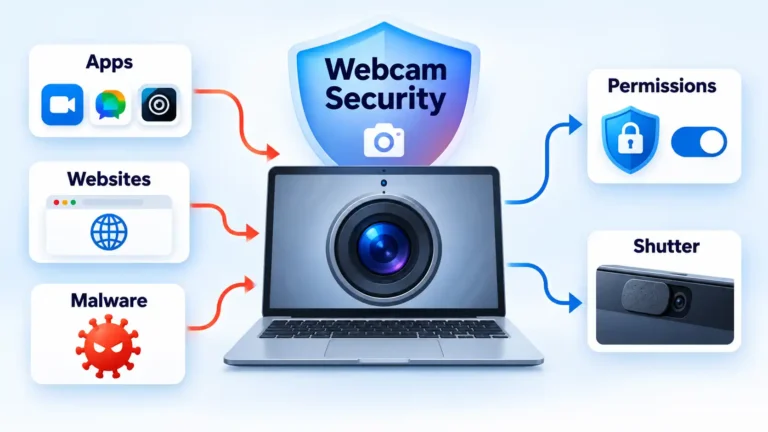
How to Secure Your Webcam on Mac and Windows PCs
Secure your webcam by reviewing Windows and macOS camera permissions, controlling website access, using physical protection safely, and reducing malware risk. The guide also explains how to investigate unexpected webcam activity without assuming every camera light means the device has been hacked.

How to Secure IP Cameras and CCTV Recorders From Remote Access Risks
Secure IP cameras and CCTV recorders by replacing weak credentials, updating supported devices, reducing unnecessary internet exposure, enabling MFA, controlling remote access and separating surveillance equipment from other systems. Finish by testing recording and approved remote viewing against a known security baseline.
 Updated
How to Help Older Relatives Use Social Media Safely
Help an older relative enjoy social media without taking over. Work together on Facebook post audiences, WhatsApp group settings and family-photo privacy, then practise checking an unexpected request. Learn why familiar profiles and voices can mislead, and where to get help if something goes wrong.
 Updated
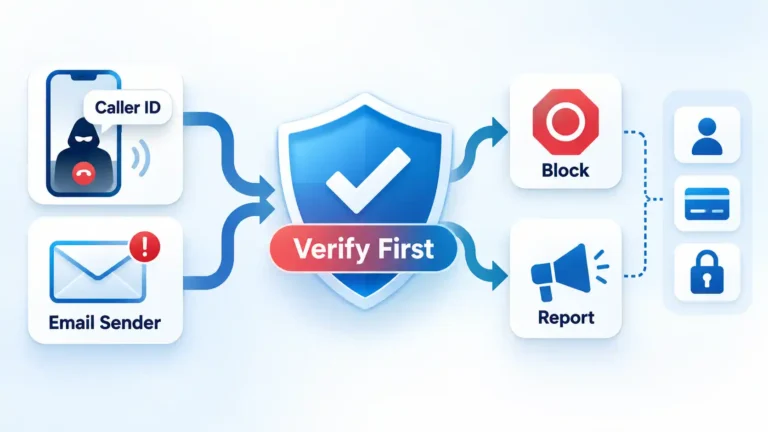
How to Deal With Spoofed Calls and Emails Safely
Spoofed calls and emails can imitate trusted people and organizations. This guide explains how to verify suspicious contact through independent channels, understand caller and email trust signals, reduce unwanted messages, and recover if you already shared credentials, money, or personal information.
 Updated
Do You Need a VPN for Torrenting? What It Actually Protects
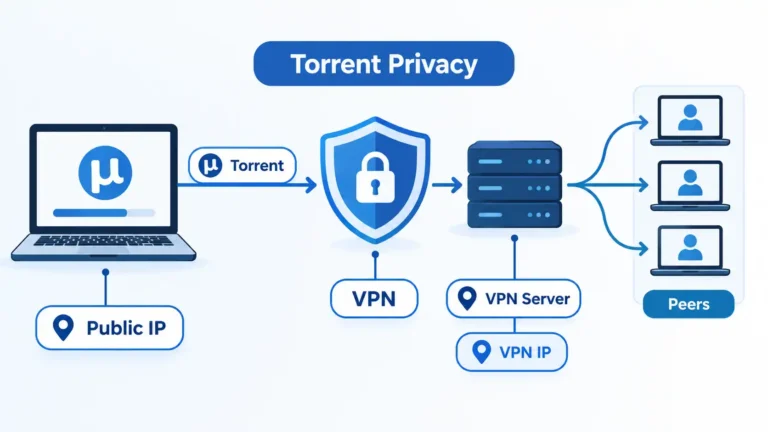
BitTorrent does not require a VPN to work, but a VPN can reduce direct exposure of your normal public IP to torrent peers. This guide explains the network change, its limits, and the P2P, kill-switch, and client settings worth checking.
 Updated
What to Look for in a VPN: 11 Factors That Matter
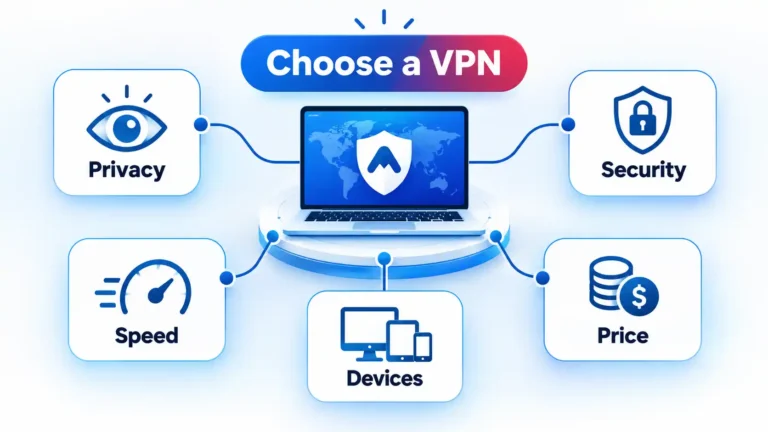
Choosing a VPN means deciding which provider to trust with an important part of your internet connection. This guide explains 11 practical factors to check, including privacy practices, security controls, performance, server locations, device support, subscription terms, and optional features.
Free VPN vs Paid VPN: Privacy, Limits, Speed, and Cost
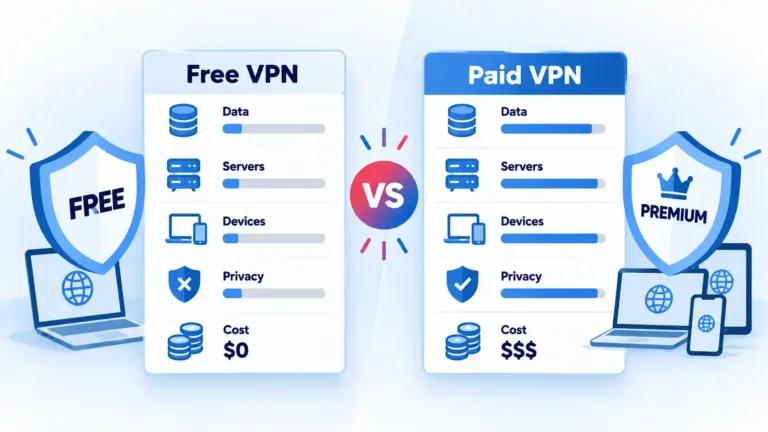
A reputable free VPN can be enough when its privacy practices, data allowance, server access, and device limits fit your needs. Paid plans generally add capacity, locations, simultaneous connections, and advanced features, but payment alone does not guarantee privacy or speed.
Best Free VPN Services in 2026: Limits, Privacy, and Safety Compared
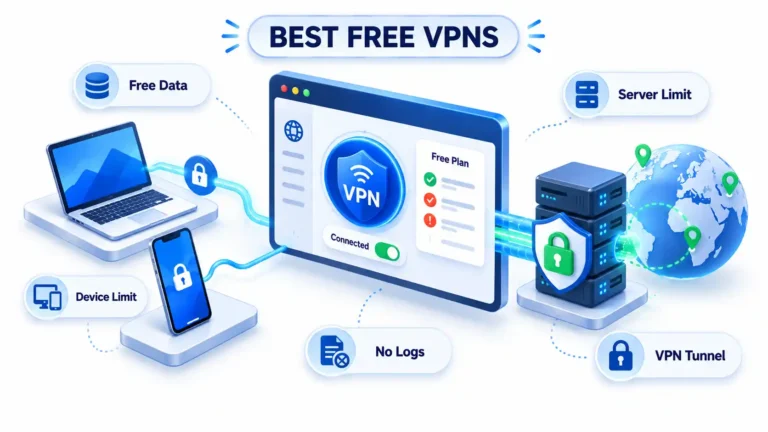
The best free VPN is not simply the one with the biggest allowance. This evidence-based guide compares five credible services by data caps, server restrictions, device limits, registration requirements, privacy evidence, and the practical compromises that come with paying $0.